The Platform, including its dashboard, tools, perspectives, and
reports, is provided for informational and educational purposes
only and is not intended to provide personalized financial,
legal, accounting, or tax advice. For the most accurate and
complete information regarding your investment holdings or
transaction history, please refer to your official account
statements from your registered dealer or financial institution.
Greenline strives to ensure the accuracy and timeliness of the
information presented on the Platform; however, errors or
omissions may occur. The accuracy of the information depends on
the quality of the data provided by you and/or your financial
institutions, and on the reliability of any data aggregation or
import methods used. Greenline is not responsible for any losses
or damages resulting from reliance on incomplete, inaccurate, or
outdated data.
Nothing on the Platform, or communicated by Greenline, should be
interpreted as a solicitation to buy or sell any security, or as
investment advice under Canadian securities legislation. Any
information that may appear to offer investment guidance is
general in nature, not tailored to individual circumstances, and
should not be relied upon when making investment decisions.
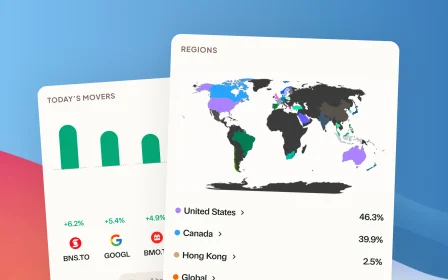
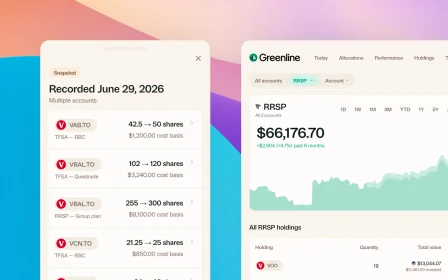
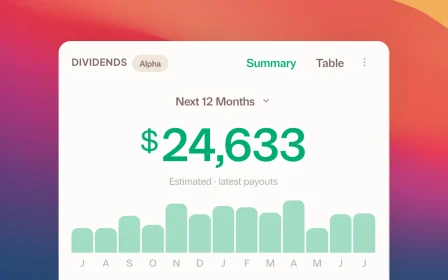
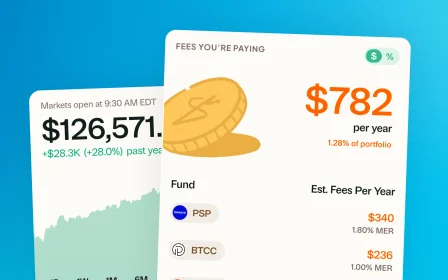
Charts, illustrations, and figures displayed on the Platform or
in Greenline communications and correspondence are for
demonstration purposes only and are not intended to represent
actual performance. Stock prices and market data displayed on
the Platform or in communications may be delayed, inaccurate, or
incomplete, and should not be relied upon for real-time trading
or investment decisions.
Users are strongly encouraged to consult with a qualified
financial advisor, tax professional, or legal counsel to
determine whether any investment, strategy, or transaction is
appropriate for their personal financial situation. Registration
with Canadian securities regulators does not imply a particular
level of skill or training.
Certain content on the Platform may include forward-looking
statements based on assumptions, expectations, and projections
related to financial markets, the broader economy, or
Greenline's operations. These statements are not guarantees of
future performance. Actual results may differ materially from
those expressed or implied.
By using the Platform, you acknowledge and agree to the terms
set forth in this disclaimer. This disclaimer shall be governed
by and interpreted in accordance with the laws of the Province
of Ontario and the federal laws of Canada applicable therein.