September 4, 2025 · New feature
Week and Month in Review, plus Your Trends
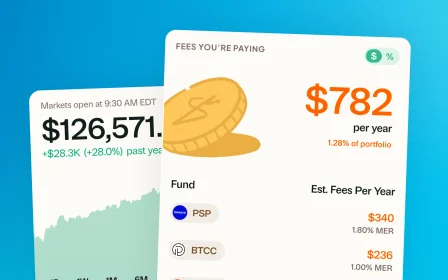
Quick snapshots of how things are going this week or month, and a new view showing which holdings are moving your portfolio most.
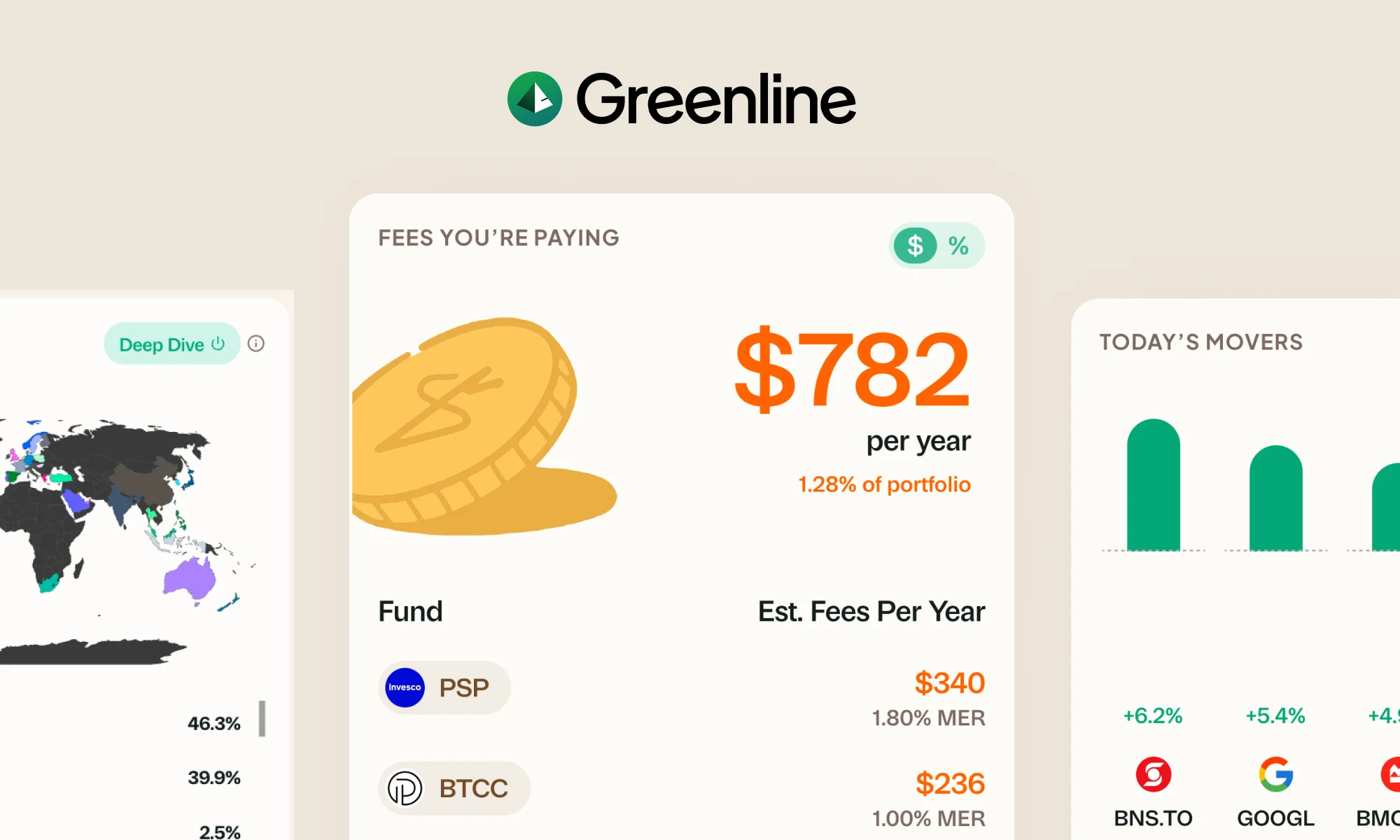
A couple of new features rolled out this week.
Week and Month in Review
Get a quick snapshot of how things are going this week or this month. Not just percentages, but the real dollar impact. You will see:
- % and $ returns: exactly how much you are up or down versus last week or last month
- Portfolio value: your total at the start and end of the period
- Holdings changes: new positions added (or no changes)
Your Trends
Portfolios are always shifting. From your trades, and of course, as your own stocks and ETFs move. Your Trends shows you the underlying movements in one simple view:
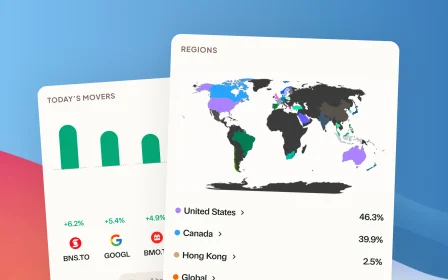
- Biggest movers: which holdings had the biggest movements this Quarter or YTD
- Allocation shifts: how your mix by country, sector, or asset class changed over this period
Right now you can view Your Trends by Quarter or YTD. Want to see other time ranges? Let us know.
These features are already live. Just go to app.usegreenline.com or open the app on your phone.
More updates
September 10, 2026
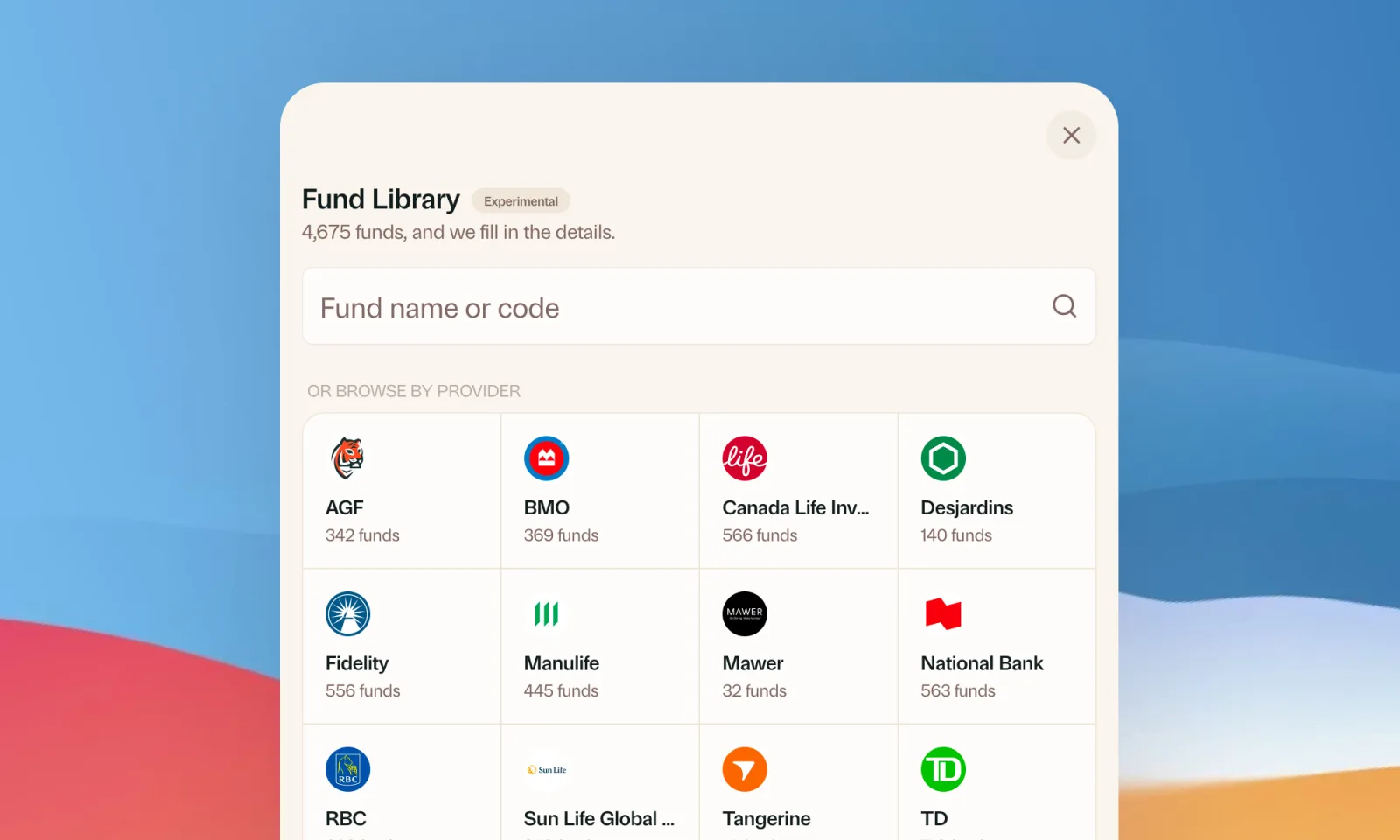
Find your mutual funds in the Fund Library
Search more than 4,500 Canadian mutual funds and get sector and region allocations, fees, and holdings filled in for you.
September 1, 2026
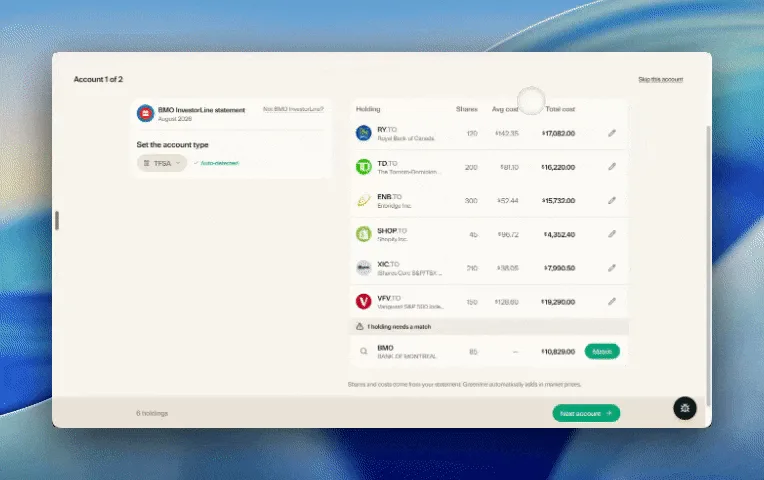
Easier imports, short tours, and sign in with any email
Fix an import yourself, update every account from one place, get a quick walkthrough when you're stuck, and sign in with any email address.

August 21, 2026
Greenline in The Globe and Mail
Andrew Galbraith at The Globe and Mail tried Greenline and wrote about it. We're honoured.
August 6, 2026
Group your holdings, however you'd like
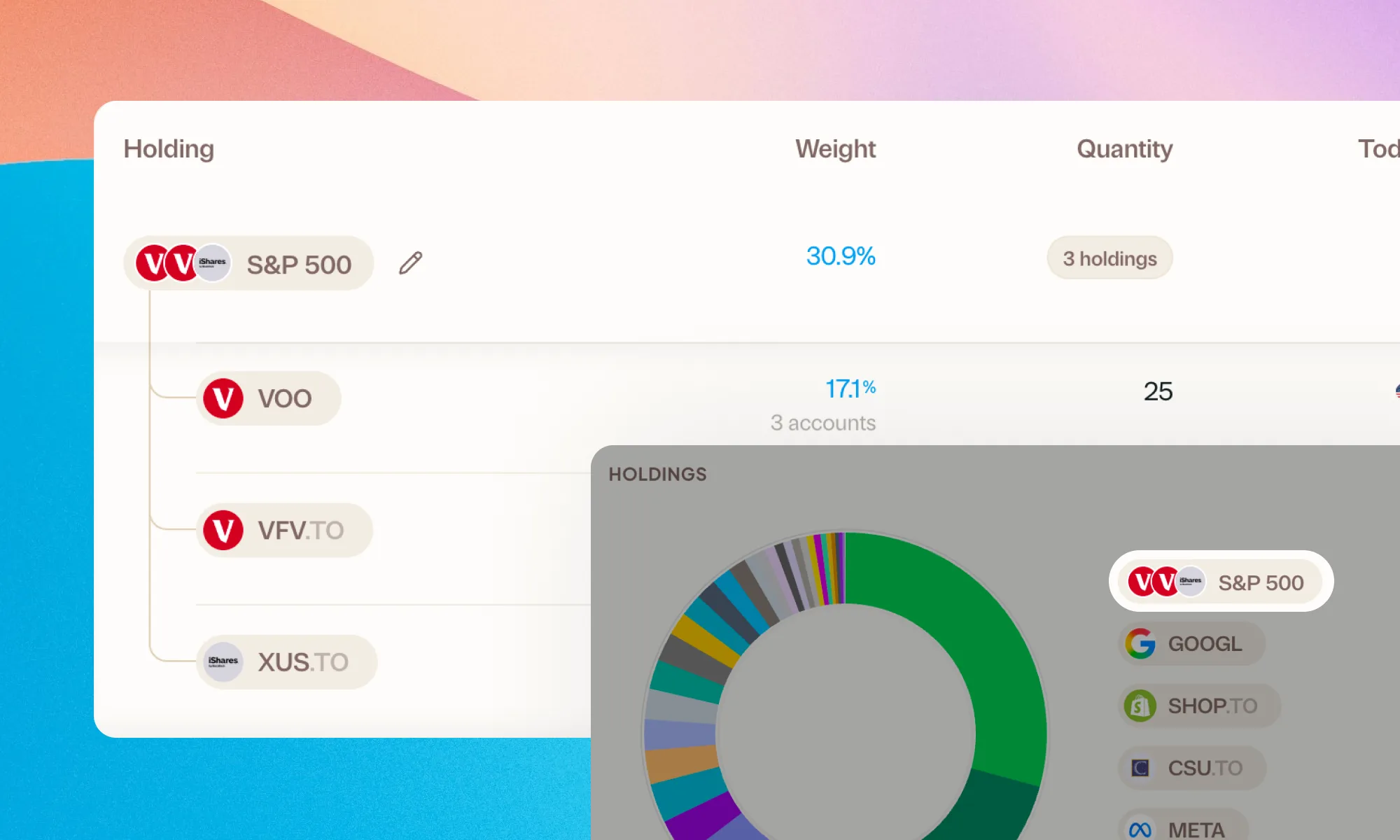
Bundle VFV, VOO, and XUS into one S&P 500 row. Or build a Big Five banks group. Your portfolio, your groupings.