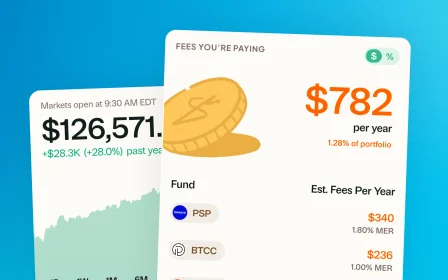
December 29, 2025 · New feature
Import your holdings by screenshot
A new way to import or update your portfolio. Alongside direct entry, CSVs, and PDF statements, you can now upload a screenshot.
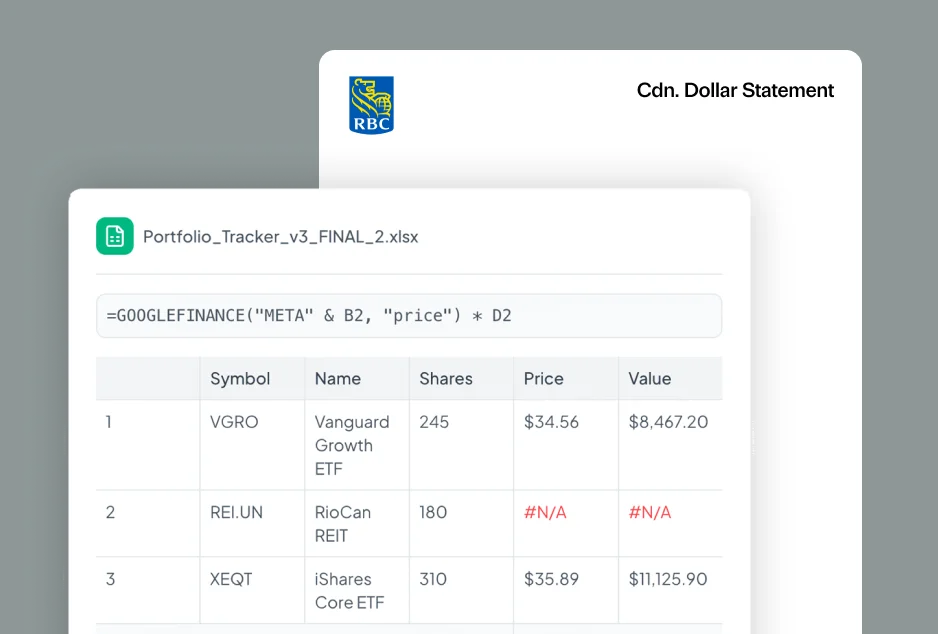
We have just added screenshots as a new way to import and update your portfolio, alongside direct entry, CSVs, and PDF statements.
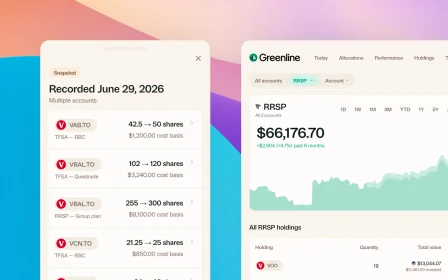
Screenshots work just like PDFs. They create a Snapshot of your confirmed holdings at that moment in time.
For the most complete experience, CSV or direct entry still works best. Those unlock automatic proceeds tracking, full performance history, and deeper insights. If you do not need that level of detail, Snapshots are great for fast, lightweight tracking.
Shoutout to Andrew, Sahil, and Melanie. You pushed us to offer more than just PDF imports as a starting point, so we built it.
This is how Greenline gets better. Keep the feedback and ideas coming.
More updates
September 10, 2026
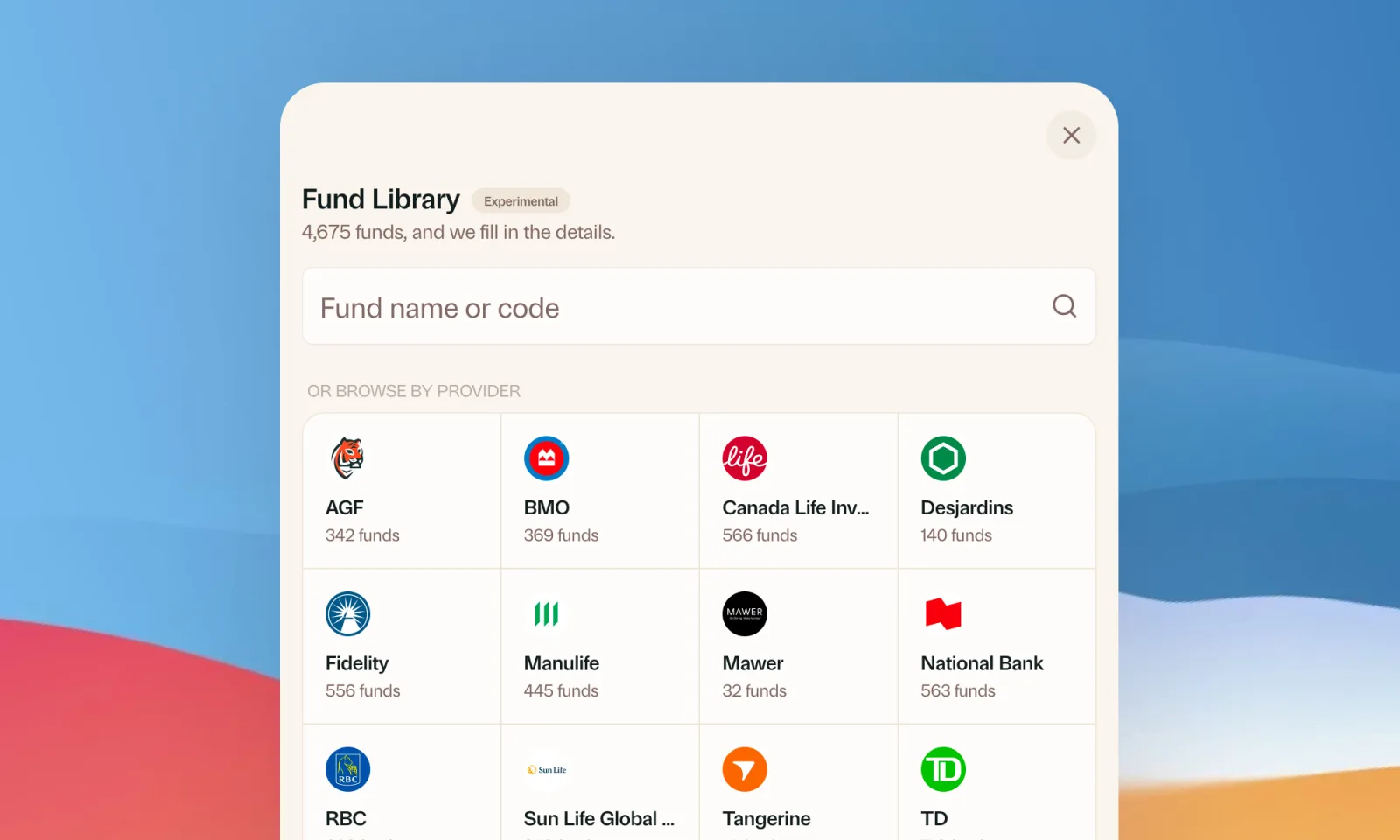
Find your mutual funds in the Fund Library
Search more than 4,500 Canadian mutual funds and get sector and region allocations, fees, and holdings filled in for you.
September 1, 2026
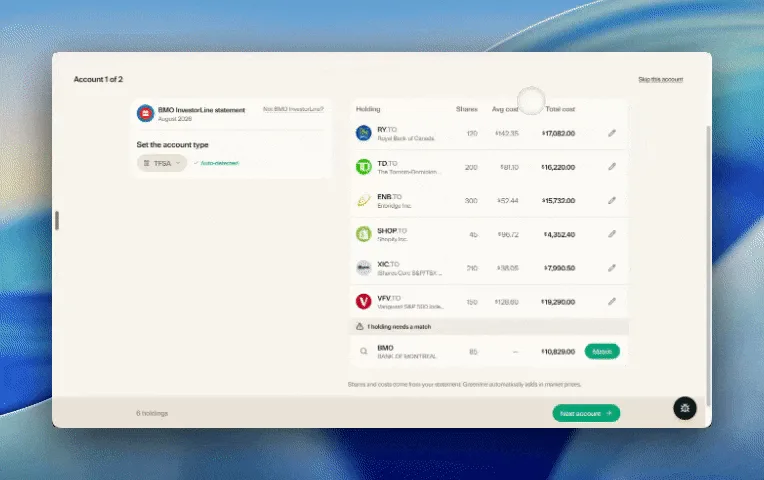
Easier imports, short tours, and sign in with any email
Fix an import yourself, update every account from one place, get a quick walkthrough when you're stuck, and sign in with any email address.

August 21, 2026
Greenline in The Globe and Mail
Andrew Galbraith at The Globe and Mail tried Greenline and wrote about it. We're honoured.
August 6, 2026
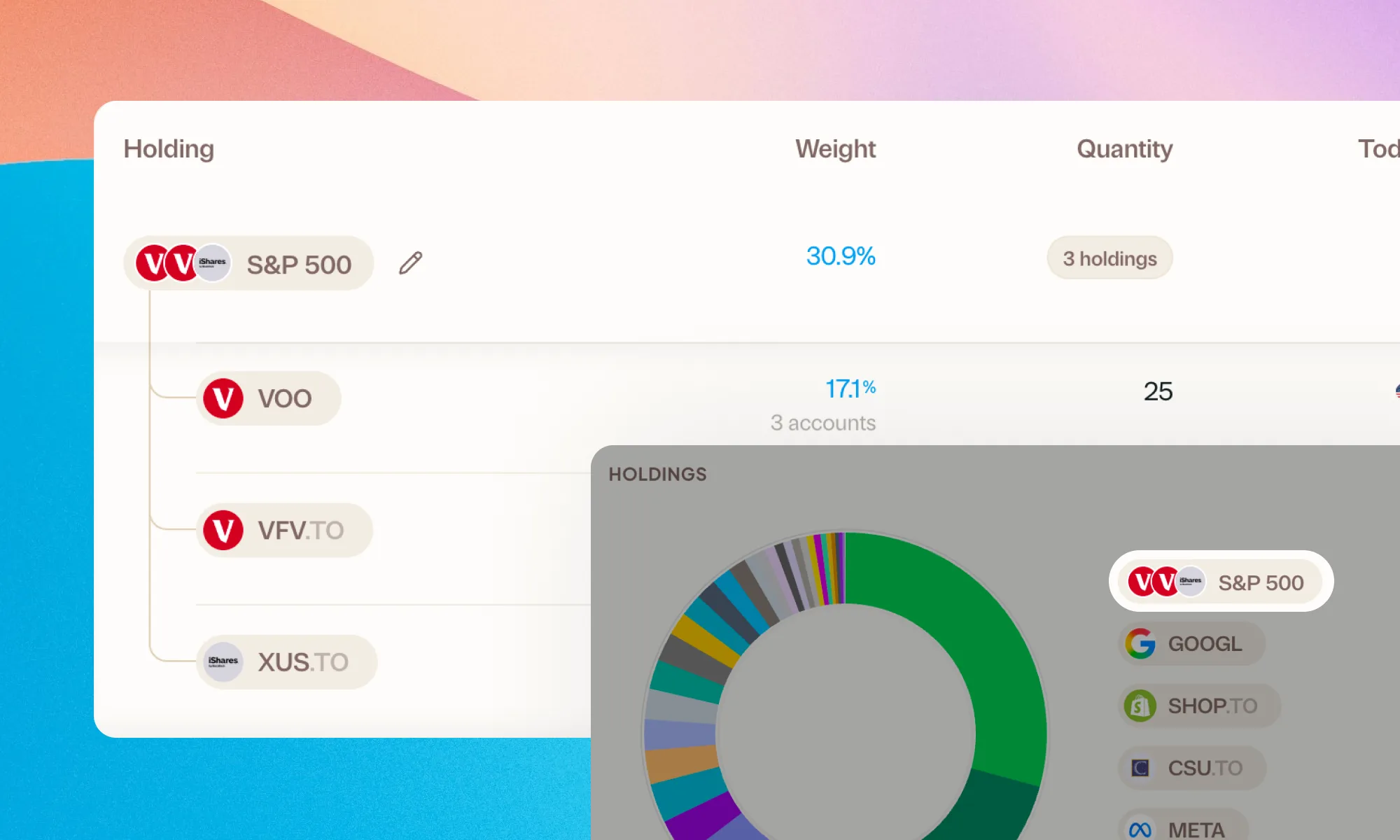
Group your holdings, however you'd like
Bundle VFV, VOO, and XUS into one S&P 500 row. Or build a Big Five banks group. Your portfolio, your groupings.