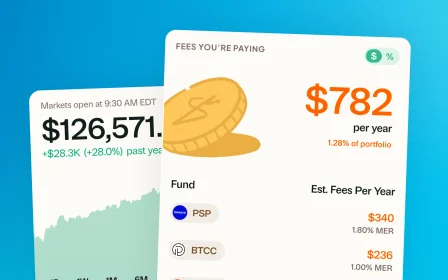
March 30, 2026 · Design
Dark Mode
More comfortable late-night portfolio checking. Every screen, every chart, every number, redesigned for dark.
Let us be honest. Some of us are checking our portfolios at 11pm instead of sleeping.
We are not here to judge.
Greenline now has Dark Mode. Your late-night scrolling through your holdings just got a whole lot easier on the eyes. Every screen, every chart, every number you probably should not be looking at right now.
Dark Mode applies across every tab. Today, Allocations, Holdings, cards, all of it.
To enable it on your phone
Tap the ☰ icon on the top right and toggle Dark or Light Mode.
To enable it on your desktop
Click on your profile at the top right and toggle Dark or Light Mode.
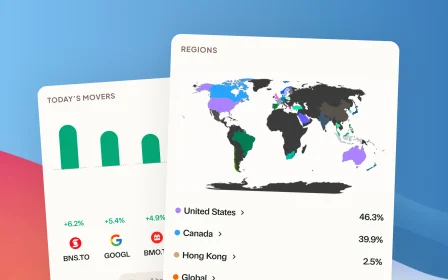
Every chart, waterfall, sparkline, and benchmark comparison is redesigned to be readable against a dark background. Your reds are still red. Your greens are still green.
At least now when you are looking at your portfolio at midnight, you can do it without waking up the person next to you.
We cannot help with the red days. But we can help with the brightness.
More updates
September 10, 2026
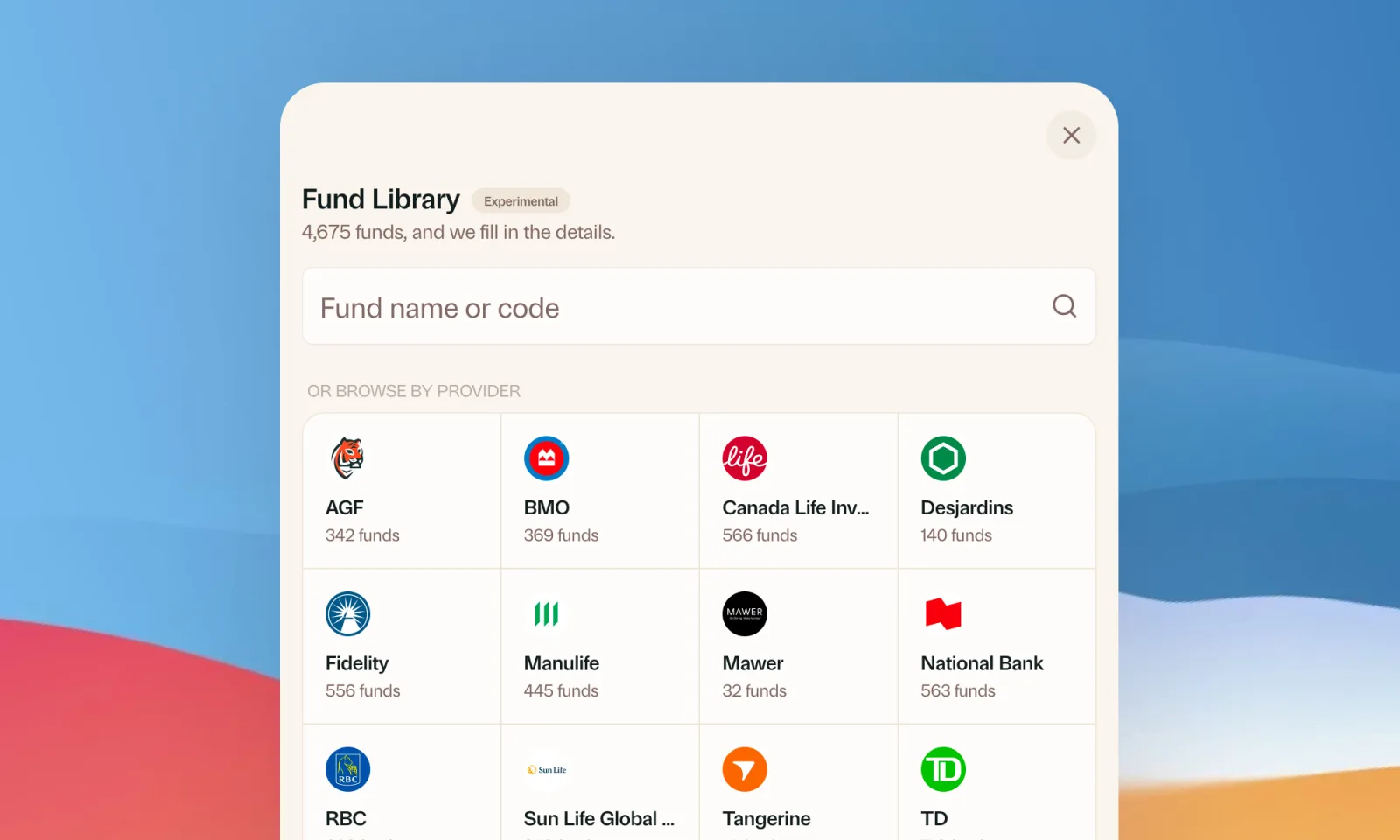
Find your mutual funds in the Fund Library
Search more than 4,500 Canadian mutual funds and get sector and region allocations, fees, and holdings filled in for you.
September 1, 2026
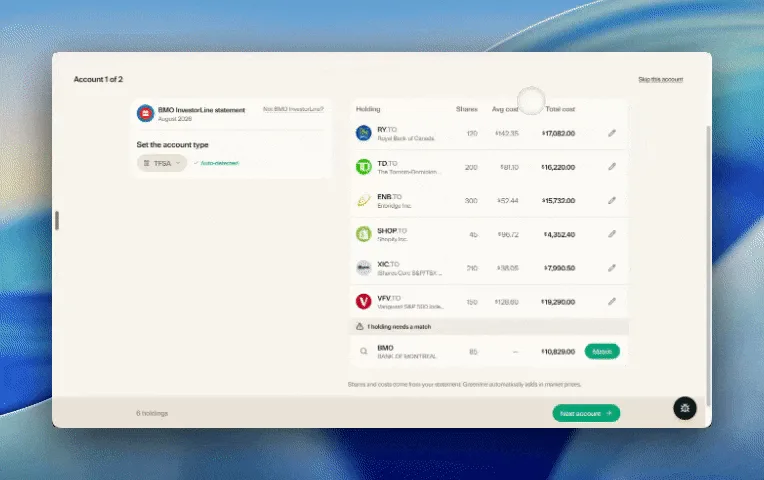
Easier imports, short tours, and sign in with any email
Fix an import yourself, update every account from one place, get a quick walkthrough when you're stuck, and sign in with any email address.

August 21, 2026
Greenline in The Globe and Mail
Andrew Galbraith at The Globe and Mail tried Greenline and wrote about it. We're honoured.
August 6, 2026
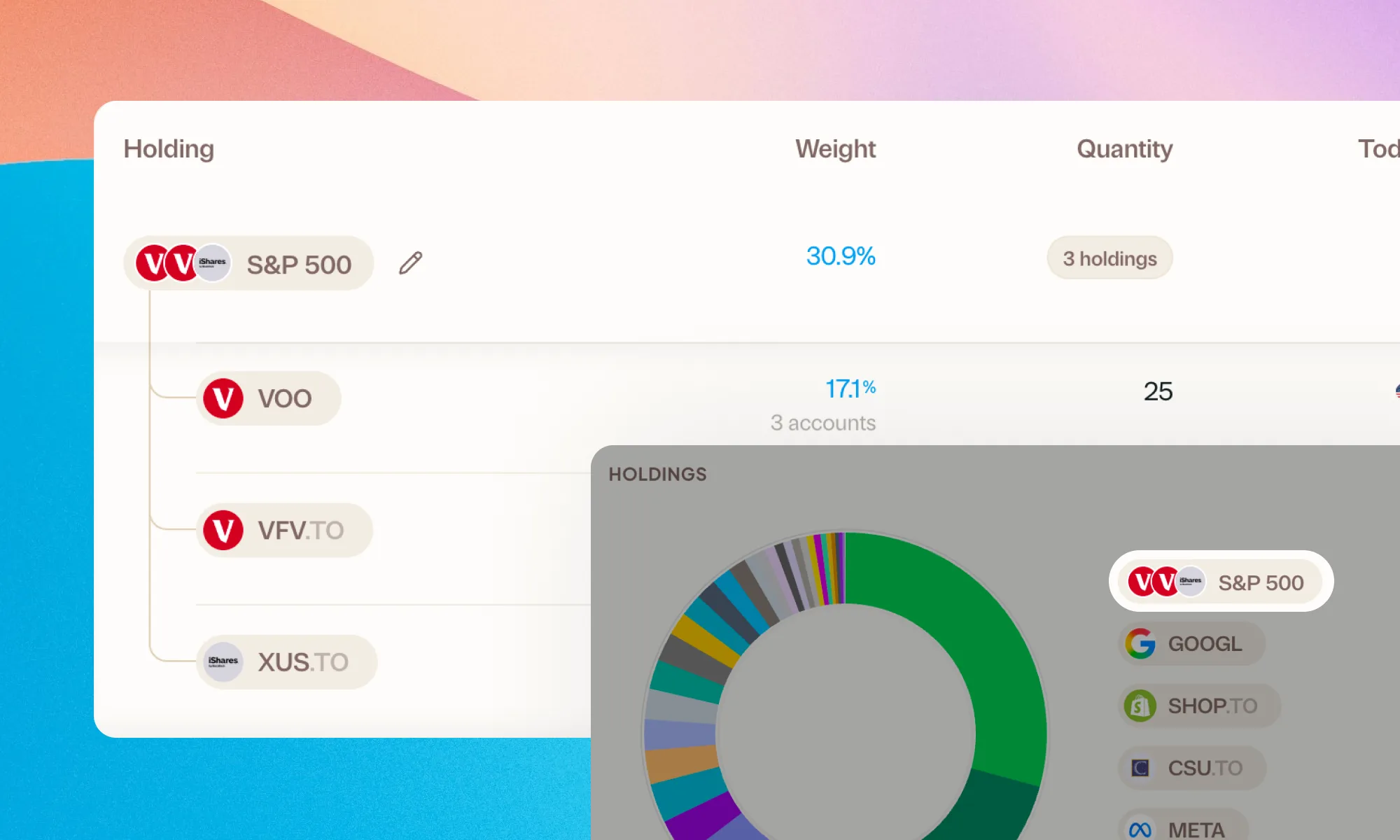
Group your holdings, however you'd like
Bundle VFV, VOO, and XUS into one S&P 500 row. Or build a Big Five banks group. Your portfolio, your groupings.