




May 24, 2026 · New feature
Goals
Set your target, see where you stand, and find out if you're on track.
One of your most-requested features is here: Goals are live in Greenline.
Tell Greenline what you’re building toward, and it will show you where you stand and whether you’re on track. And this is just the start.
Three kinds of goals, whatever your target
Track your progress via:
- Portfolio Value: a target dollar amount. The classic “I want to hit $X.”
- Dividend Income: a target annual income from dividends. For anyone building a paycheque out of payouts.
- Withdrawal Income: a target annual income you could safely draw down in retirement. The “what will this actually pay me?” question, answered.
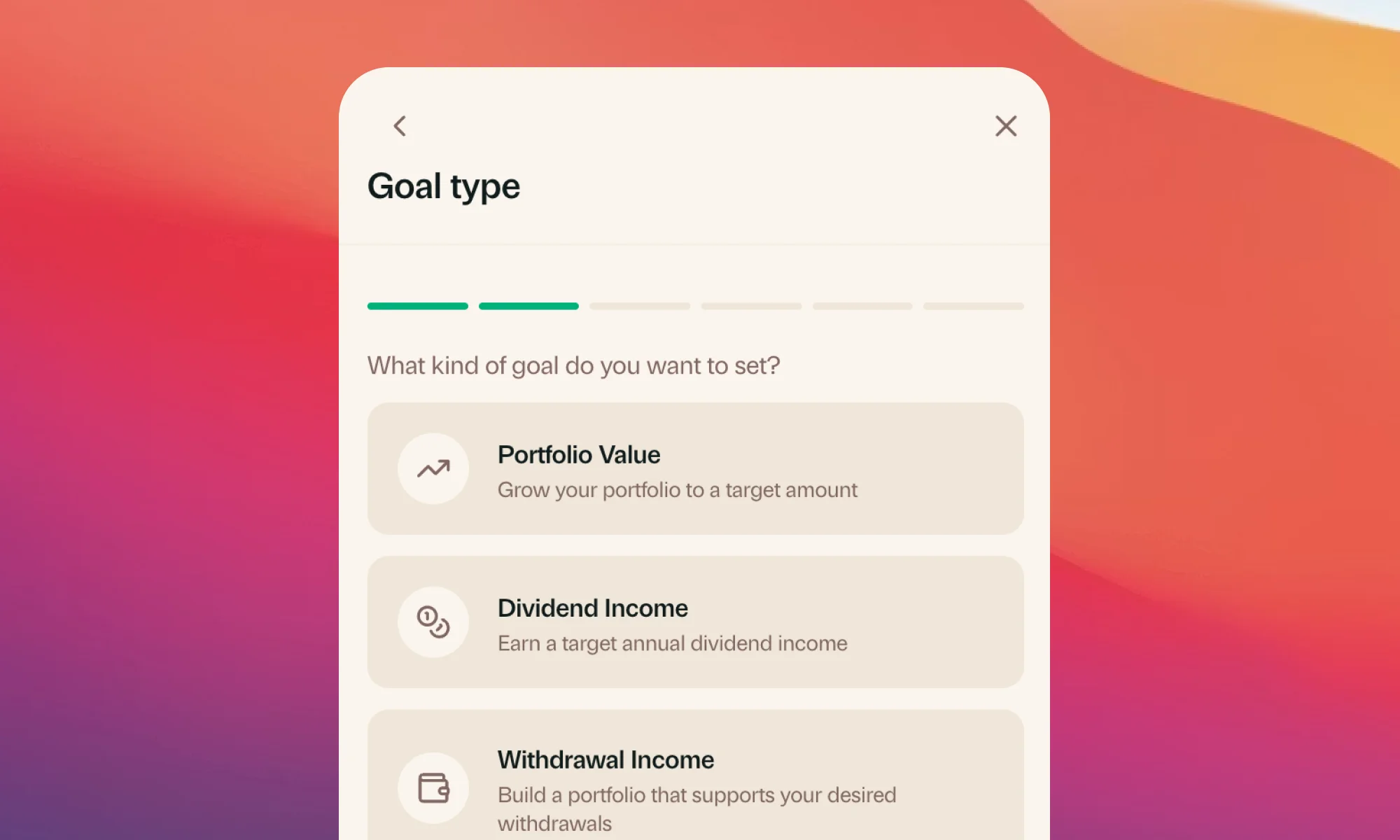
Set it up the way you want
Choose your target, an optional target date, and the accounts that count toward it. Whether that’s an RRSP-only goal or your whole net worth, it’s up to you.
Track your progress along the way
The progress bar shows you multiple checkpoints, so there’s always something closer than “retirement” to aim at.
Greenline also projects the month you’ll get there based on your actual contribution and return history. If you set a target date, the card tells you whether you’re on pace, on track, both, or neither.
Getting started
From the Today tab, tap the new Goal card, pick your goal type, set your target, date, and qualifying accounts. And you’re ready to start tracking.
Is there a goal type we missed, or a suggestion for how you’d do this differently? Let us know.
More updates
September 10, 2026
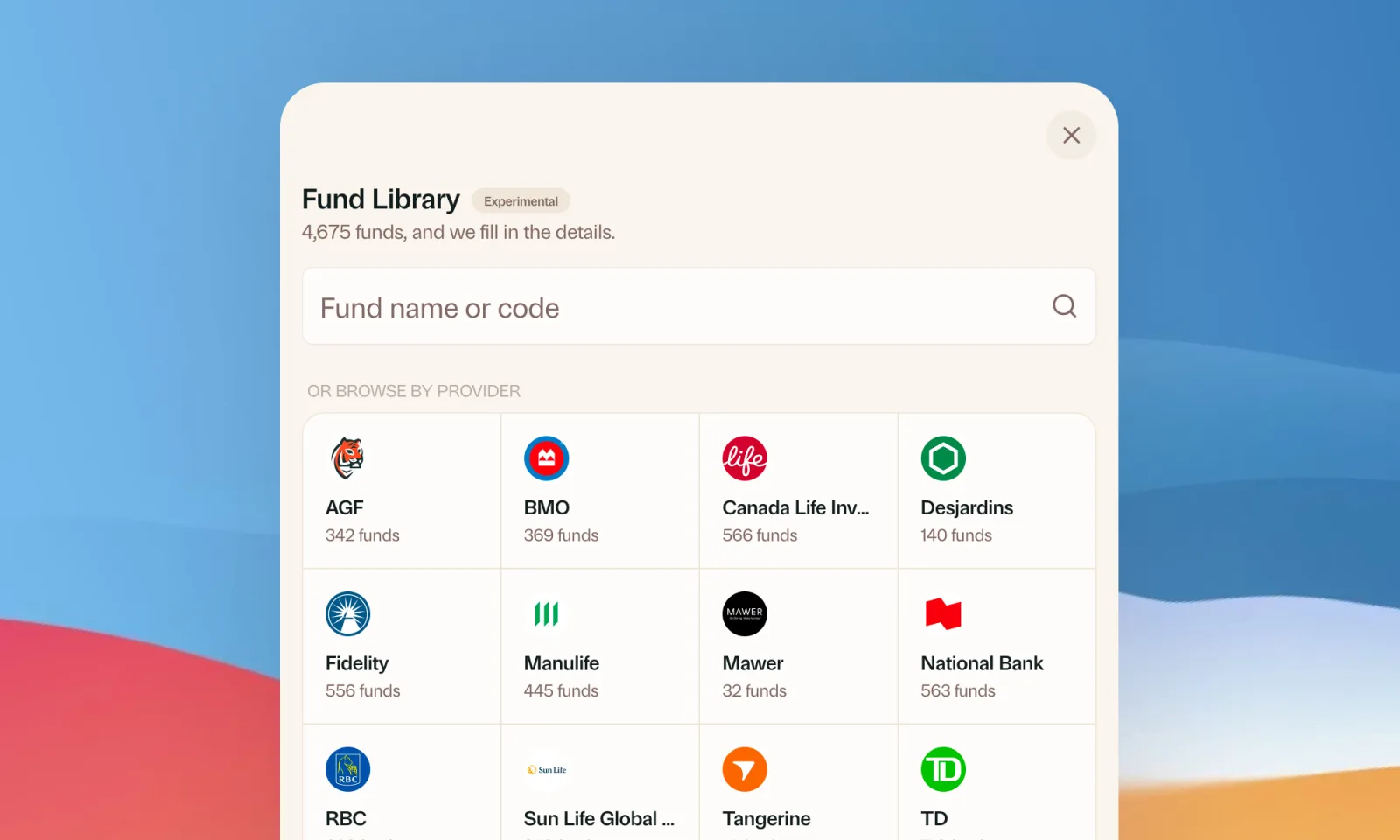
Find your mutual funds in the Fund Library
Search more than 4,500 Canadian mutual funds and get sector and region allocations, fees, and holdings filled in for you.
September 1, 2026
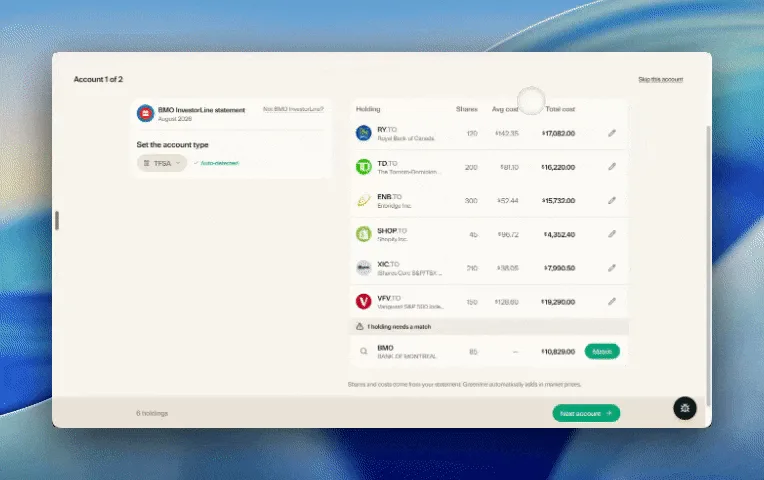
Easier imports, short tours, and sign in with any email
Fix an import yourself, update every account from one place, get a quick walkthrough when you're stuck, and sign in with any email address.

August 21, 2026
Greenline in The Globe and Mail
Andrew Galbraith at The Globe and Mail tried Greenline and wrote about it. We're honoured.
August 6, 2026
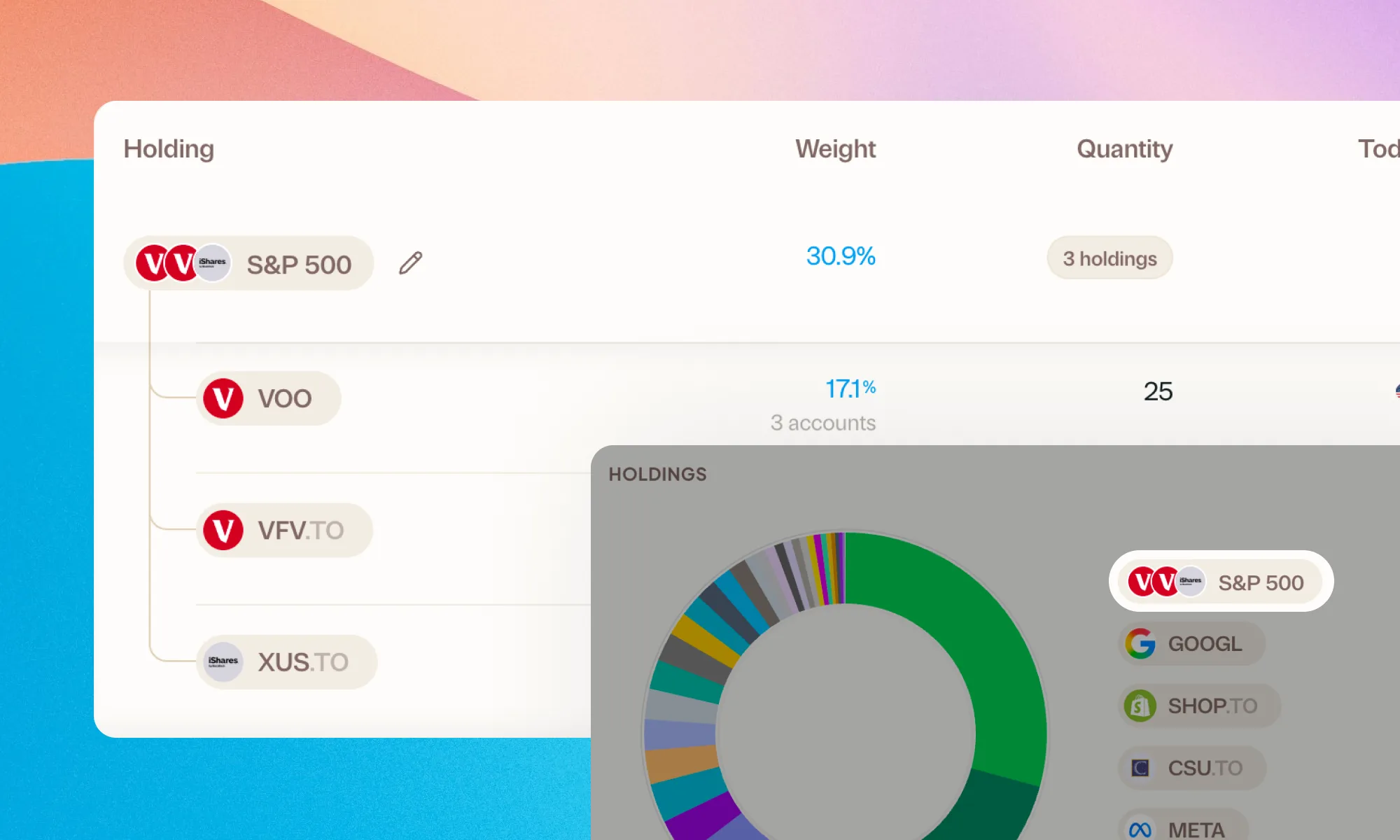
Group your holdings, however you'd like
Bundle VFV, VOO, and XUS into one S&P 500 row. Or build a Big Five banks group. Your portfolio, your groupings.