
Wealthica not syncing?
A few things to try, and why this keeps happening in the first place.
Quick fixes
First, try these.
- 01
Reconnect the brokerage.
In Wealthica, find the disconnected institution and run the reconnect flow. Session expirations are the most common cause of a failed sync.
- 02
Check two-factor auth at your broker.
New 2FA prompts or security questions at the brokerage will block the sync until you clear them in the broker's own login.
- 03
Check Wealthica's status page.
They maintain a live status page showing which institution connections are up or down. If yours is red, the issue is on their end.
- 04
Contact Wealthica support.
If the issue isn't on their status page, it's worth a support ticket. Some brokerage connections need a manual fix on their side.
The bigger picture
Why this keeps happening.
Brokerage connectors run through your broker's login page. Every time the broker changes their flow, security checks, or API, the connector breaks. It stays broken until someone reverse-engineers the new flow.
This isn't a Wealthica problem. Their team works hard on keeping institutions connected, and their public status page shows how seriously they take it. The limit is the connector model itself.
We looked at it carefully and decided not to build on connectors at all. Here's why →
That said, this isn't a permanent stance. When Canada's open banking framework matures and the ecosystem can deliver auto-sync safely, we'll revisit. Until then, upload-based aggregation is the right call.
Tired of the sync breaking?
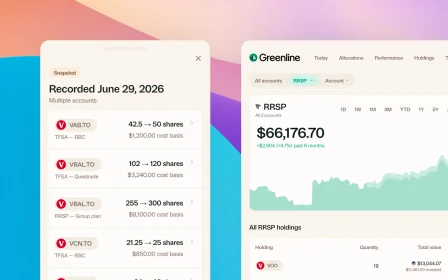
Greenline doesn't use one. Upload your holdings once, and it doesn't break again.
Try Greenline free