Understanding Your Allocations Page
Portfolio, then Allocations, breaks your portfolio down beyond returns. It’s the page that answers what you actually own, rather than what you bought.
Here’s what each section shows.
Biggest holdings
Your largest positions across every account, so concentration is visible straight away.
Asset mix and currency
What you hold by asset class (stocks, bonds, cash and other), and how much of your portfolio sits in each currency. On a computer these sit side by side. On a phone they share one card with an Asset / FX toggle.
Sectors
How your money splits across technology, financials, energy, healthcare and the rest. Useful for spotting that you’re more concentrated than you thought.
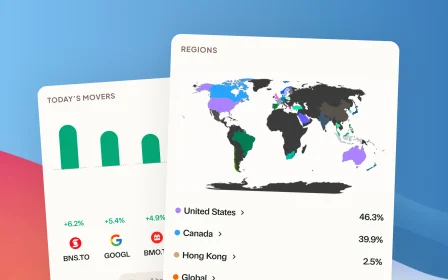
Regions
Where your money is invested around the world: Canada, the US, international and emerging markets. Even if you only buy Canadian-listed ETFs, many of them hold stocks globally. This shows the real breakdown, looking through the funds rather than at their listing country.
Fees
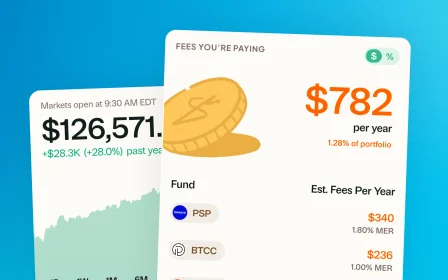
An estimate of what you’re paying in management expense ratios across your portfolio, based on the funds you hold. It’s a yearly cost that’s easy to forget about because you never write a cheque for it.
Benchmarks
At the bottom of the page. See Comparing against benchmarks.
What your plan covers
The sector and region breakdowns, and the exact fee figures, are part of the paid plans. If a section is showing a preview instead of your numbers, that’s why.
Still need help? Reach out at support@usegreenline.com.
Still having trouble?
Reach out and we'll help you get set up. We usually reply within a day.
Email support@usegreenline.com