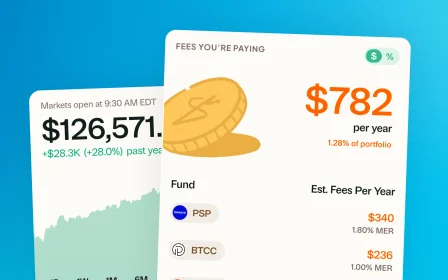
September 10, 2026 · New feature
Find your mutual funds in the Fund Library
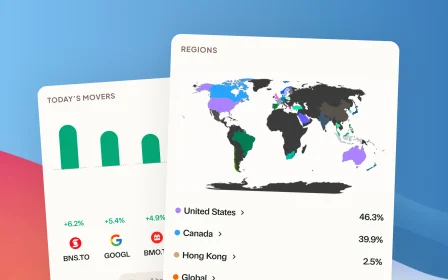
Search more than 4,500 Canadian mutual funds and get sector and region allocations, fees, and holdings filled in for you.
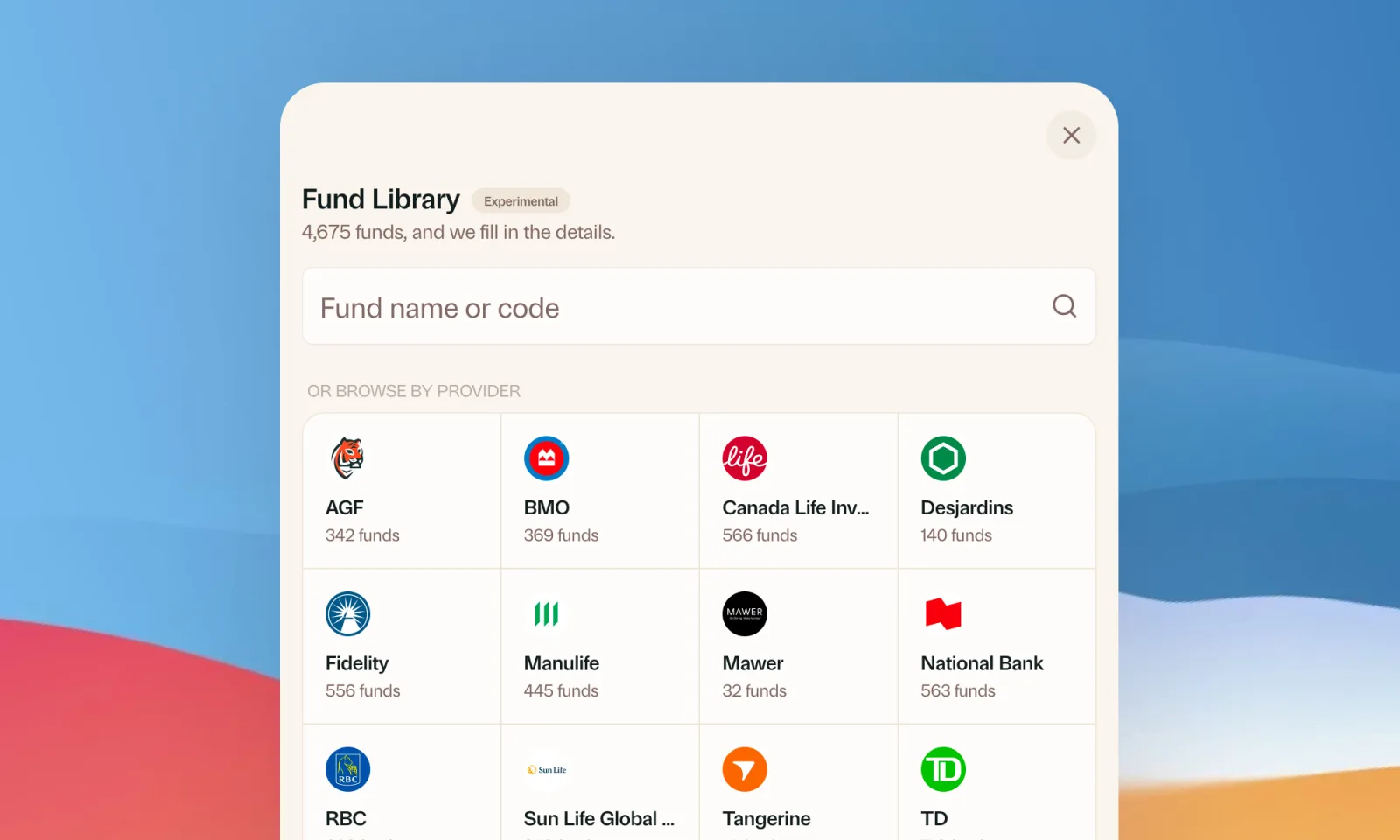
If you hold mutual funds, you’ve probably felt this. Adding them to Greenline meant typing in allocations, fees, and holdings by hand, then keeping them up to date.
We heard you. As of today, it’s a lot easier.
Search instead of typing
The Fund Library has more than 4,500 funds from Canada’s big providers, including TD, RBC, BMO, National Bank, Fidelity, Manulife, Canada Life, and Tangerine. Search by name or fund code, or browse by provider. Pick your fund and its sector and region allocations, fees, and holdings fill in for you.
It’s built into every place you add or edit a mutual fund: the + button, or Portfolio, then Mutual Funds.
Switch over the funds you already have
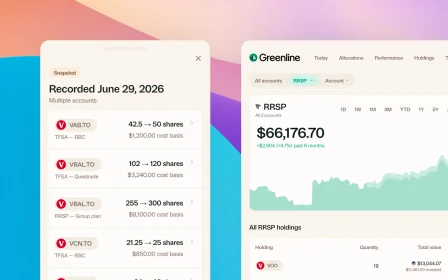
If you added or imported a fund before, Greenline looks for a match in the Library by fund code and suggests switching it over.
Didn’t get a suggestion? Open the fund’s ⋮ menu and choose Search in Fund Library to match it yourself.
A few things to know
- Prices aren’t automatic yet. Greenline doesn’t pull updated mutual fund prices, so you still update values yourself. Most people do it monthly or quarterly. Everything you enter counts toward your allocations, analysis, and performance.
- Missing a fund? You can still set it up by hand, or send us its Fund Facts and we’ll add it to the Library.
More updates
September 1, 2026
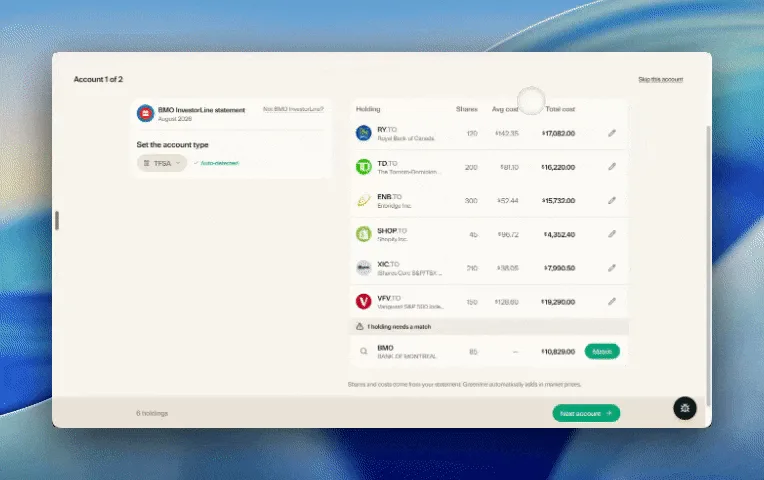
Easier imports, short tours, and sign in with any email
Fix an import yourself, update every account from one place, get a quick walkthrough when you're stuck, and sign in with any email address.

August 21, 2026
Greenline in The Globe and Mail
Andrew Galbraith at The Globe and Mail tried Greenline and wrote about it. We're honoured.
August 6, 2026
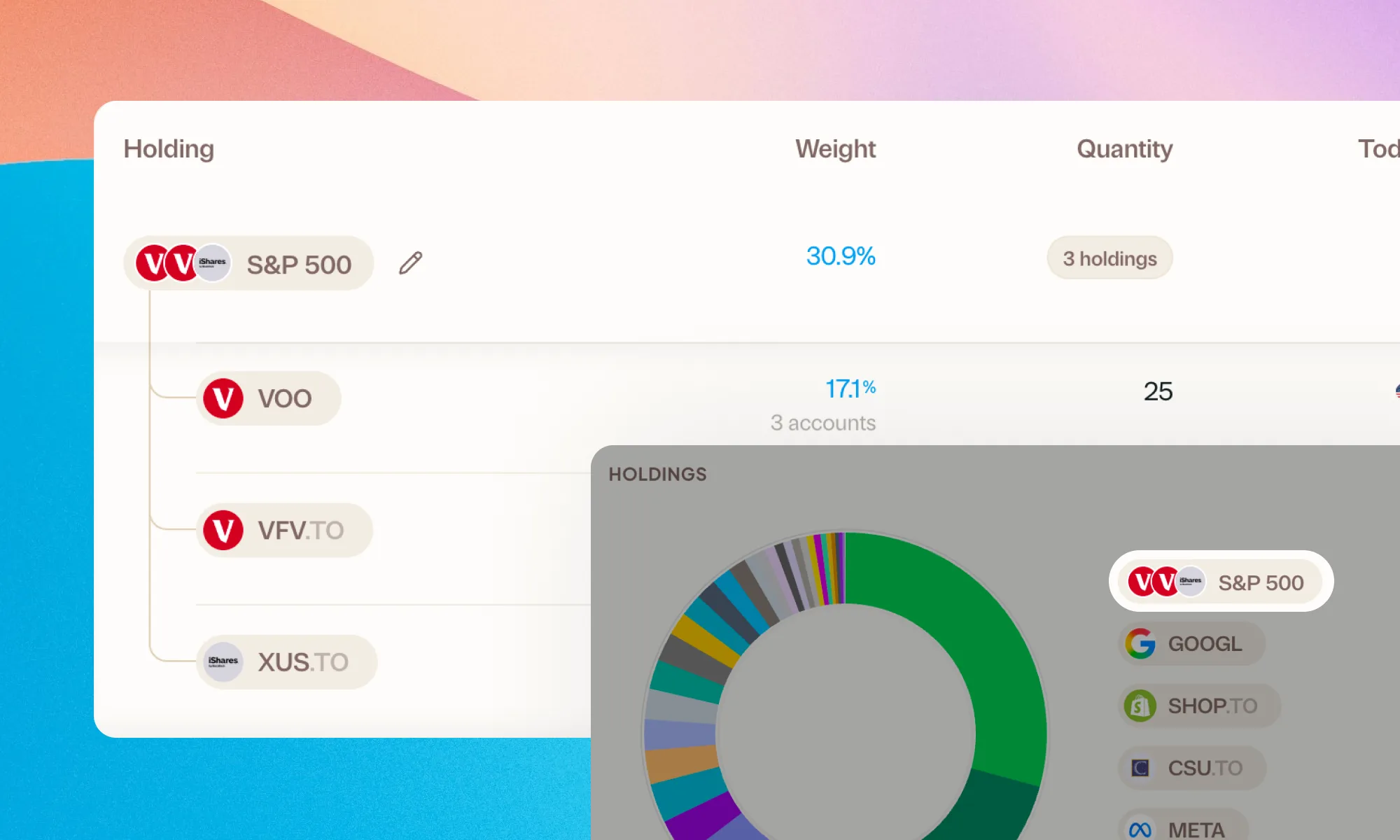
Group your holdings, however you'd like
Bundle VFV, VOO, and XUS into one S&P 500 row. Or build a Big Five banks group. Your portfolio, your groupings.
August 5, 2026
Greenline now supports National Bank Direct Brokerage
Import your NBDB holdings and account activity straight from a CSV export, dividends and DRIPs included.