Get free access while we're in Beta
As an Early Member, you'll be offered better rates than new users when we launch paid plans.
Already tracking $0M+ in portfolios
What you get
I was paying for another portfolio tracker that's still missing things Greenline already has. Things I don't think are even in their roadmap.


Hi, we're Sammy and Luis.
We lead a small team building Greenline. We started it because we couldn't find a portfolio tracker that worked the way we wanted: across every brokerage, without handing over our bank logins, with insight that actually helps. We all use it every day.
Read our story


What this usually costs
Most people pay someone to manage their money, pay a platform to track it, or spend hours doing it themselves.
$0
during Beta
Greenline
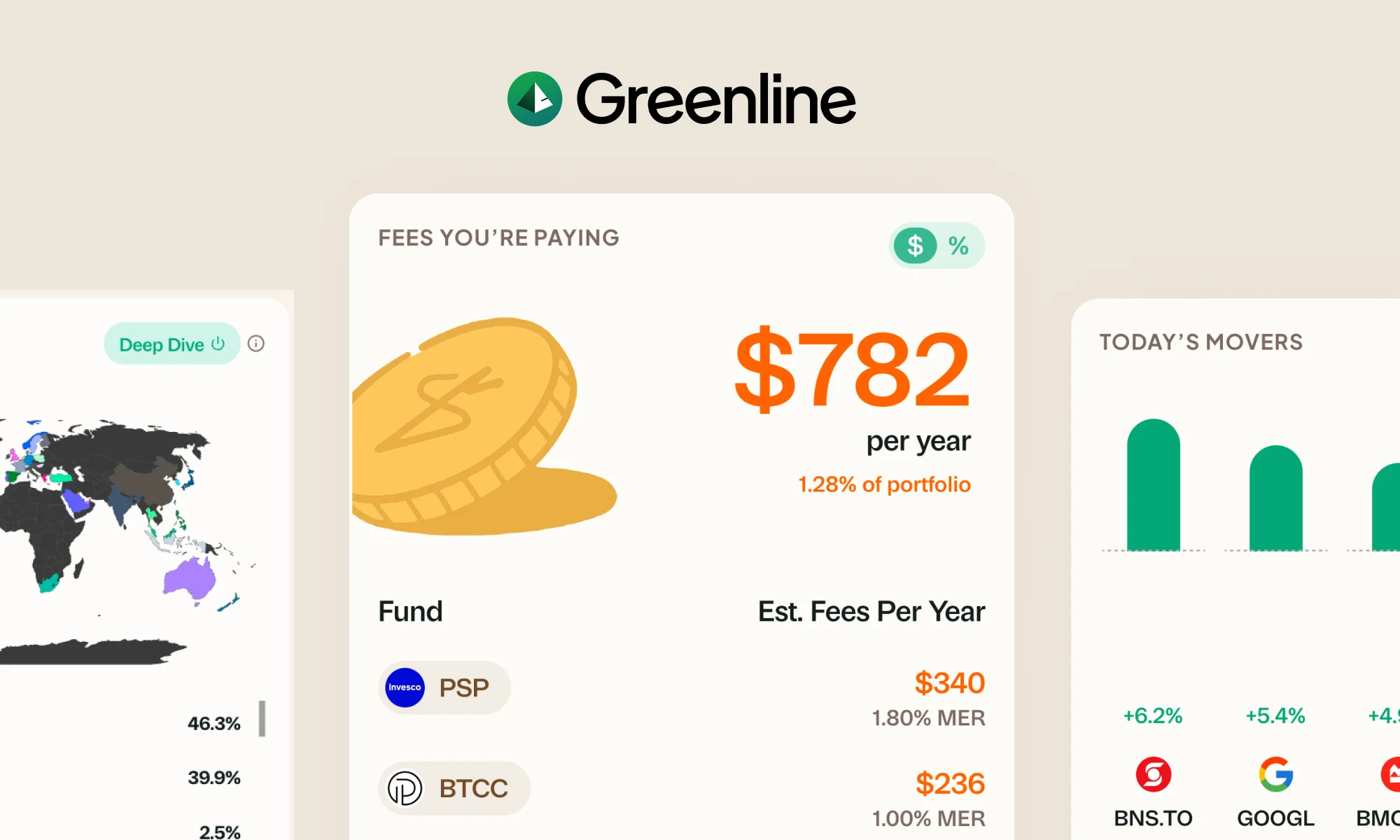
Many mutual funds charge well over 1% a year in fees. On a $100K portfolio, that can be more than $1,000 a year. If Greenline helps you spot even one fund worth switching to a low-cost ETF, the savings pay for themselves many times over.
1–2%
of your portfolio, annually
Financial advisor
On a $200K portfolio, that's $2,000–$4,000 a year. Every year.
0.4–0.5%
of your portfolio, annually
Robo-advisor
Better than an advisor, but on $200K that's still $800–$1,000 a year. Adds up fast.
Hours
of your time, every month
DIY spreadsheets
Free in dollars, expensive in time. And one wrong formula can throw everything off.
$0
during Beta
Greenline
Many mutual funds charge well over 1% a year in fees. On a $100K portfolio, that can be more than $1,000 a year. If Greenline helps you spot even one fund worth switching, the savings pay for themselves many times over.
What happens after Beta
Today
Free Beta
You're here
Better rates
Public launch
Your price stays
Better rates than new users.
We haven't set paid pricing yet. When we do, Early Members will be offered better rates than new users.
Early Member benefits
- Better rates than new users when we launch
- Special status and badge in the app
- Direct line to the team
We'll email you well before anything changes.
We're in Beta, but our security is not.
We built security before we built the first feature. That was intentional. The free price doesn't mean a free pass on how your data is protected.
Read our full security approach →No bank login required
We don't ask for your banking credentials. Your bank's fraud protections stay fully intact.
AES-256 encryption
The same standard banks use. Encrypted in transit and at rest.
No passwords or SINs stored
We don't store sensitive credentials. We don't want them.
Delete everything, anytime
One button. Delete your account whenever you like. No hoops, no retention tricks.
The Fee Comparison feature is a game-changer. I've already started telling friends about it!
You've got a really good product. People have been asking for something like this.

Your Greenline keeps getting better.
New features. Polish. Making it faster. Built from user requests. All included.
See every update →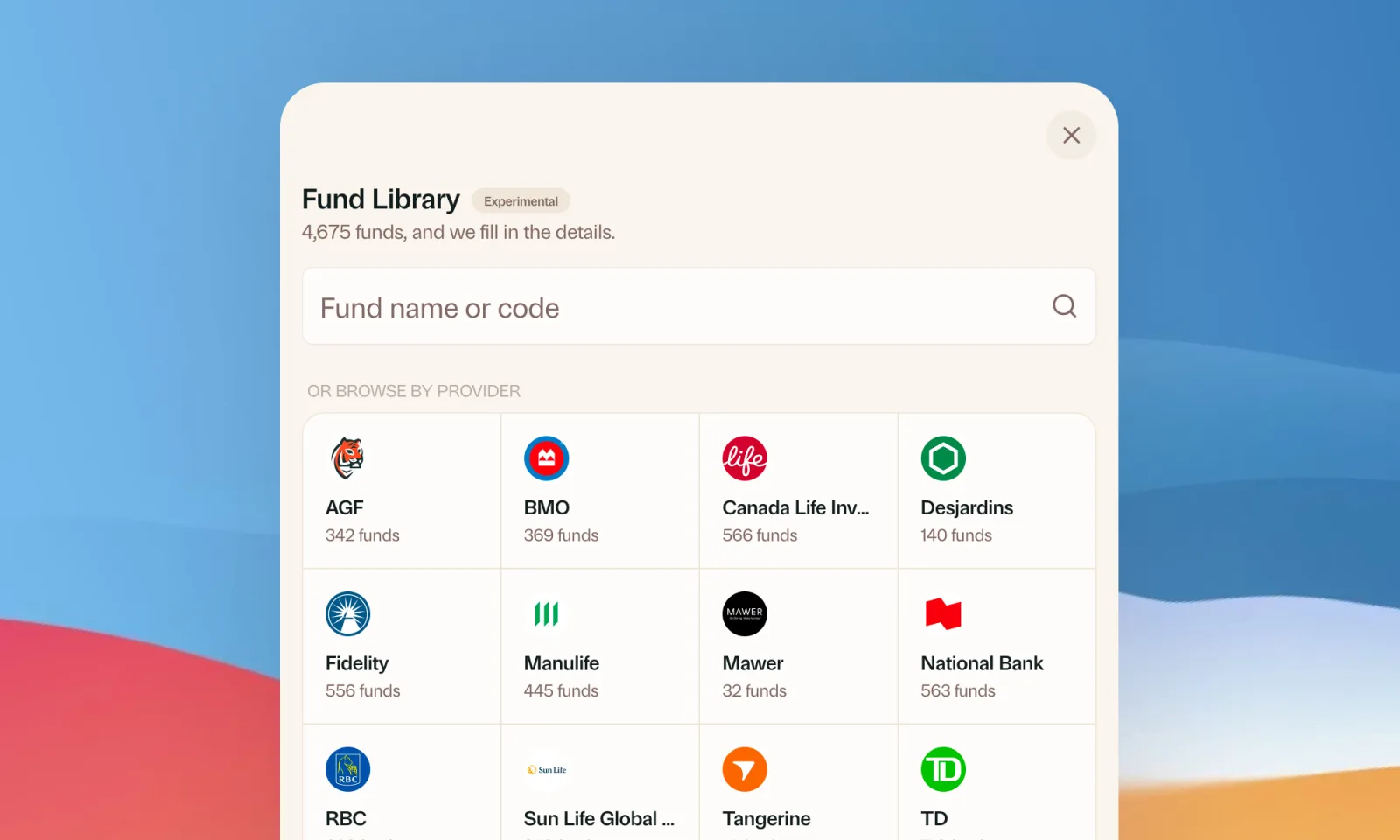
Find your mutual funds in the Fund Library
Search more than 4,500 Canadian mutual funds and get sector and region allocations, fees, and holdings filled in for you.
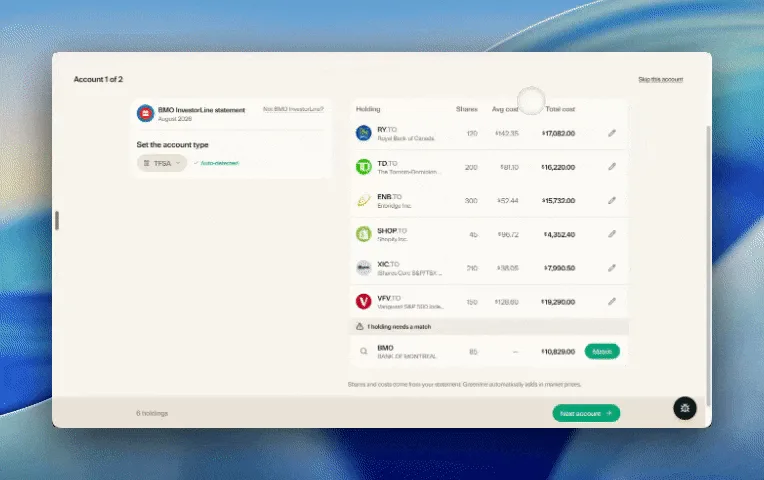
Easier imports, short tours, and sign in with any email
Fix an import yourself, update every account from one place, get a quick walkthrough when you're stuck, and sign in with any email address.

Greenline in The Globe and Mail
Andrew Galbraith at The Globe and Mail tried Greenline and wrote about it. We're honoured.
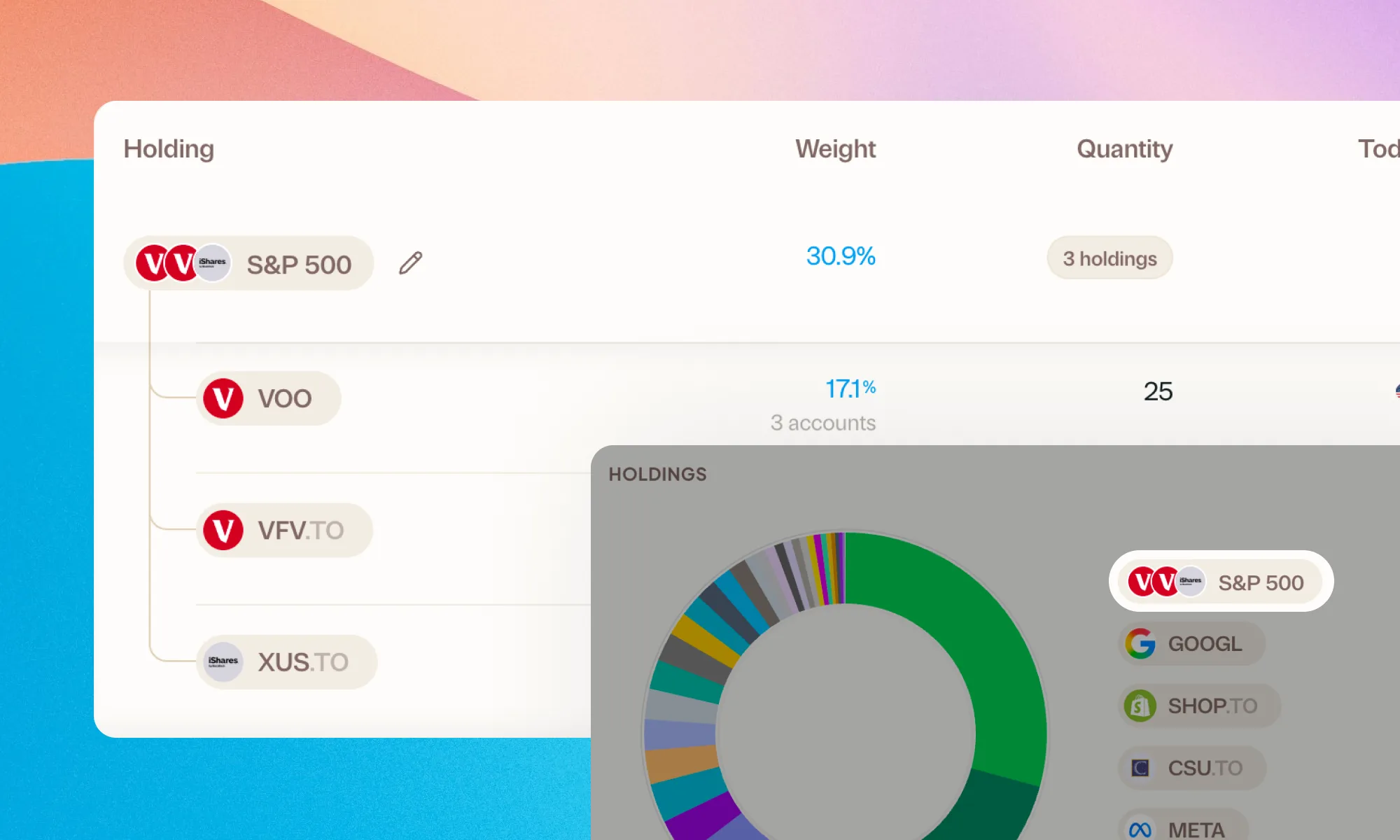
Group your holdings, however you'd like
Bundle VFV, VOO, and XUS into one S&P 500 row. Or build a Big Five banks group. Your portfolio, your groupings.
Greenline now supports National Bank Direct Brokerage
Import your NBDB holdings and account activity straight from a CSV export, dividends and DRIPs included.
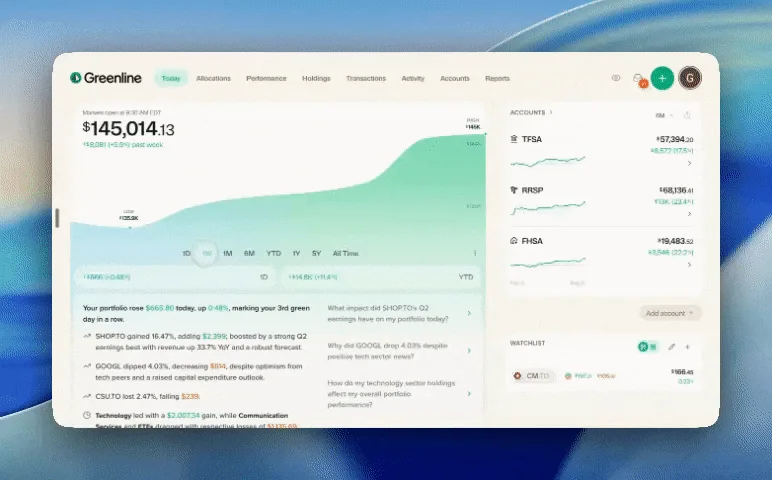
The portfolio chart got a glow-up
Dynamic colour, smoother animations, and new chart options like high/low markers and an on-chart value scale.
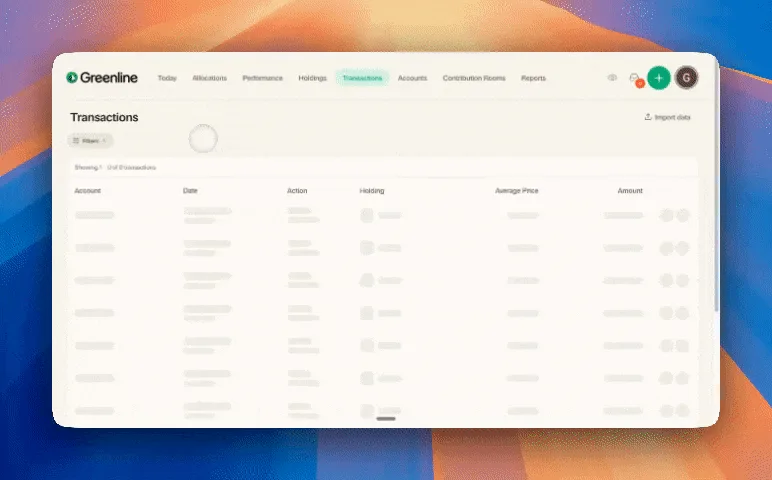
Filter your transactions
Filter by account, action, or holding to find any transaction in seconds.
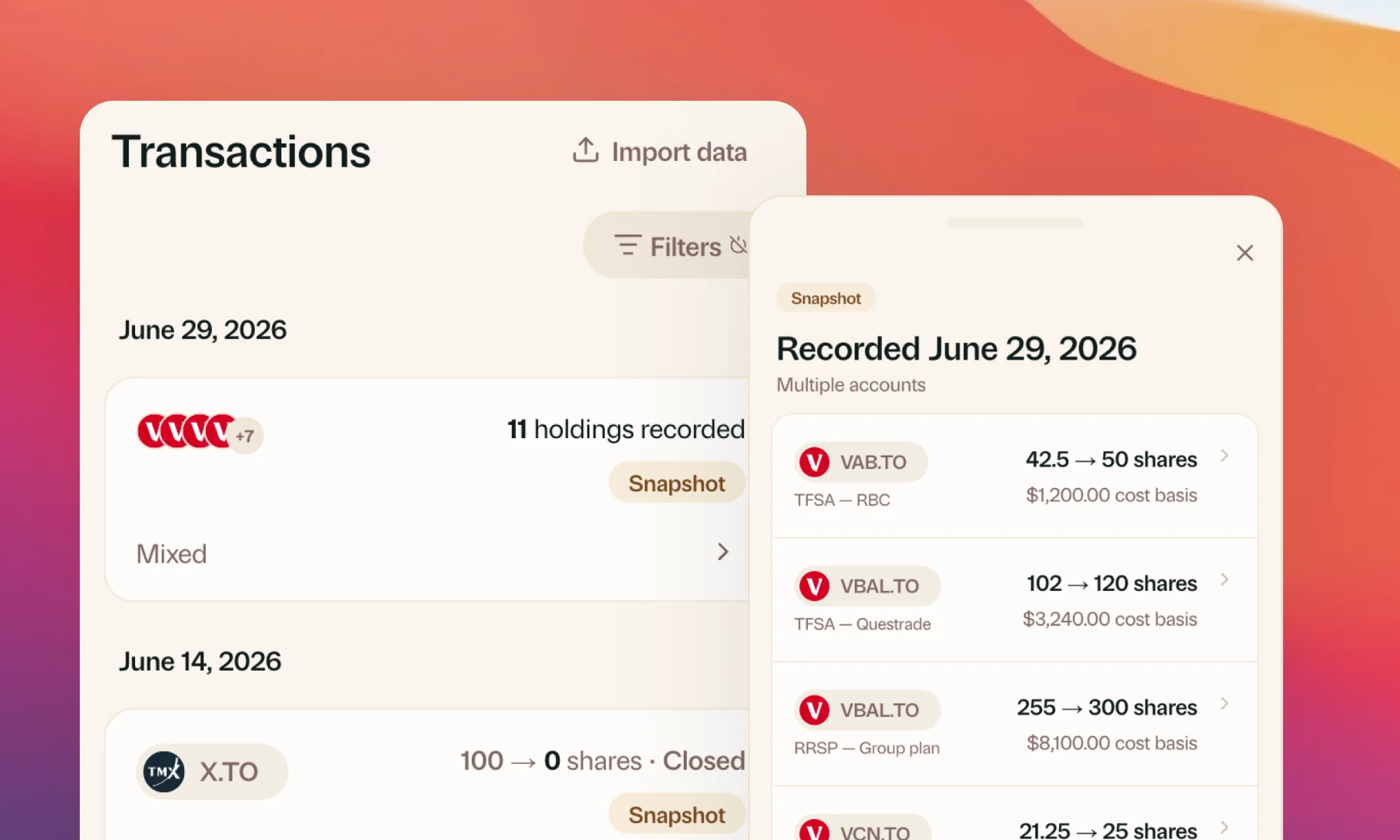
A calmer, clearer Greenline
A month of polish: clearer snapshots, a quicker account switcher, consolidated account views, and a refined look throughout.

Making The Peak's 2026 Emerging Leaders list
The Peak named Greenline co-founder and CEO Sammy Lau to its 2026 Emerging Leaders list. Thanks to the community that got us here.
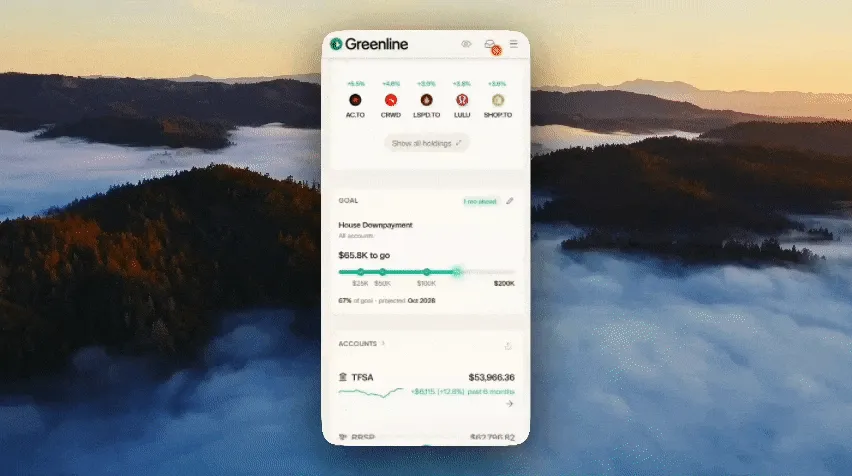
Goals
Set your target, see where you stand, and find out if you're on track.
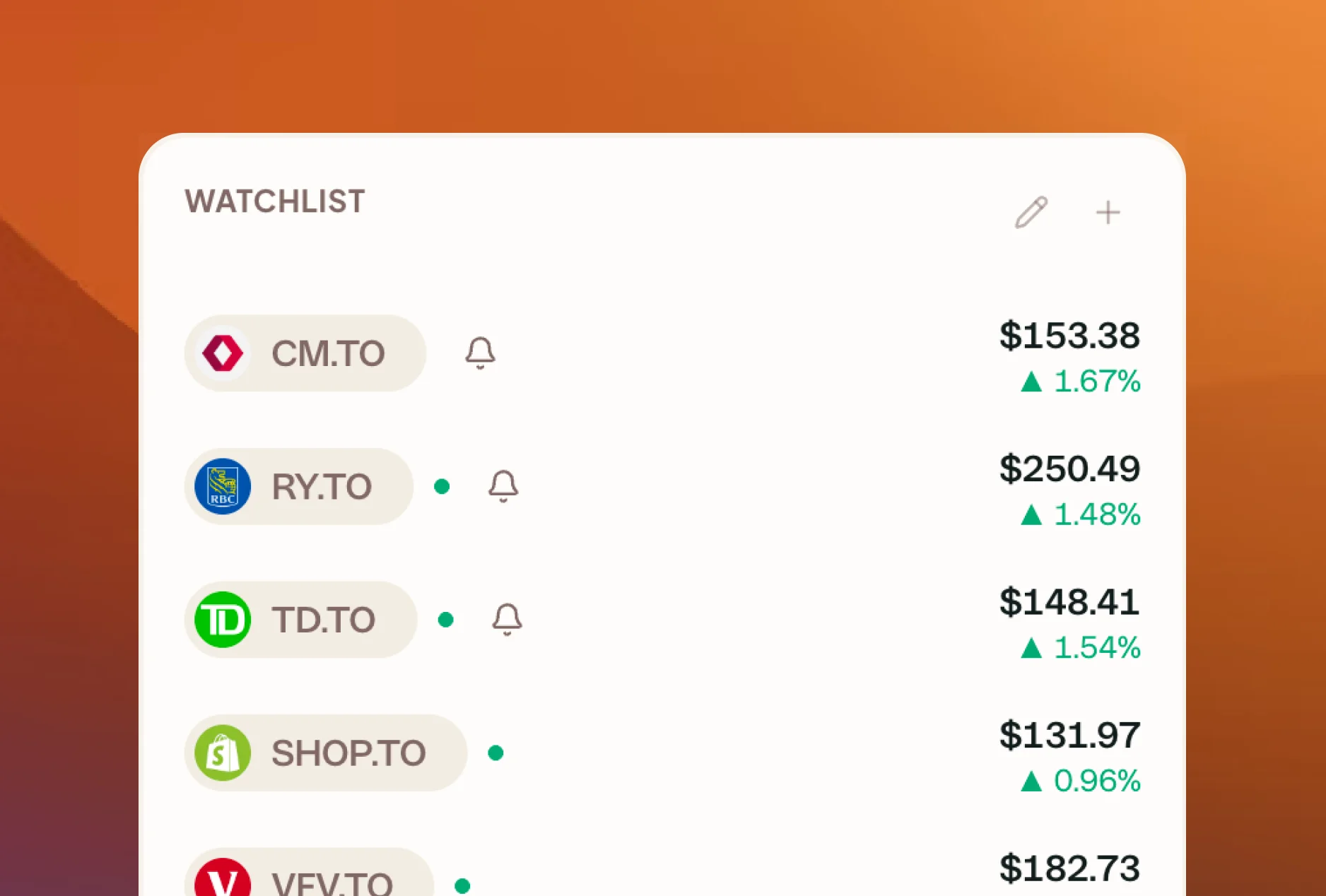
Watchlist and price alerts
Track stocks and ETFs you do not own yet, and get notified when one hits the price you are watching for.
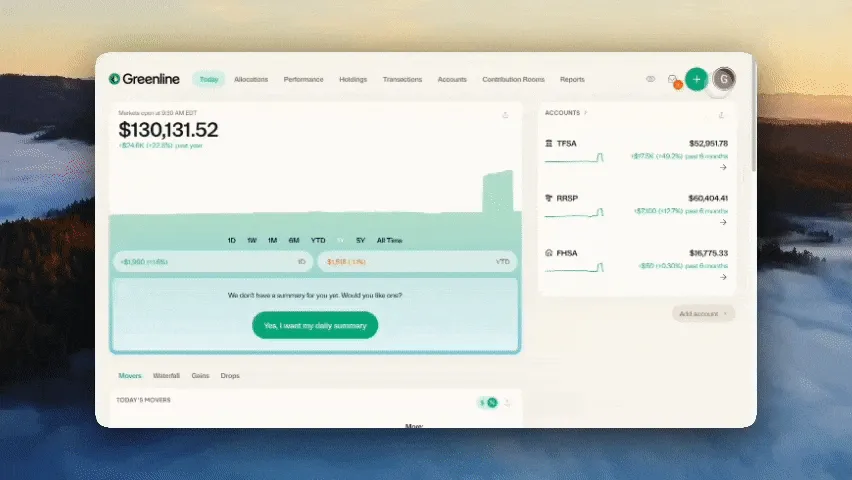
USD view, Performance by Lot, and a cleaner Dividends portal
Three updates from your suggestions: flip the whole app to USD, see how each buy of a stock is doing on its own, and a cleaner way to handle dividends.
Greenline now supports Scotia iTrade
Upload your Scotia iTrade statement and your holdings and cost basis get pulled in automatically.
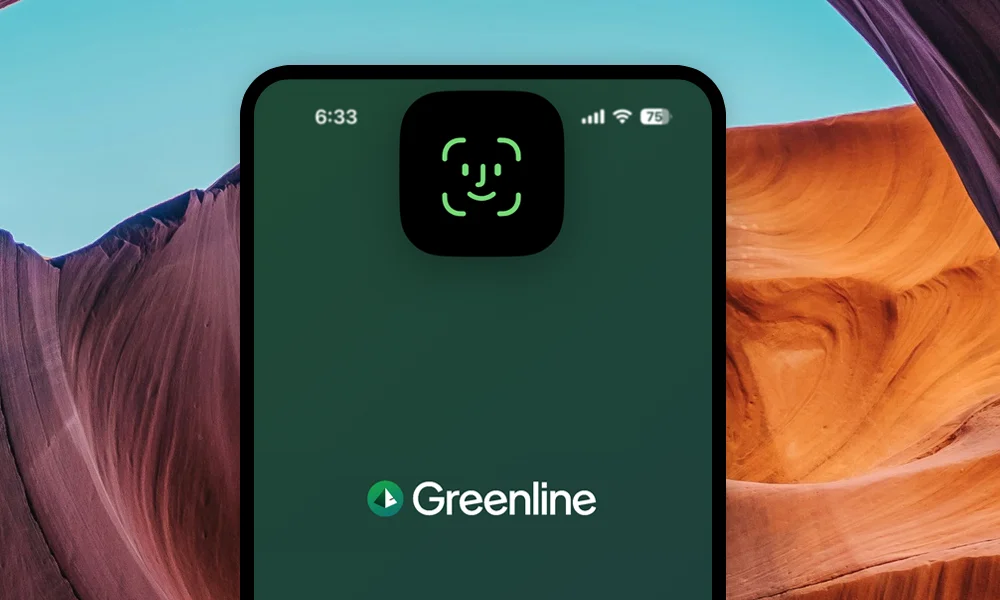
Greenline is now on iOS
Face ID, Quick Actions, and a faster app all around. Greenline is now a native iOS app, live on the App Store.
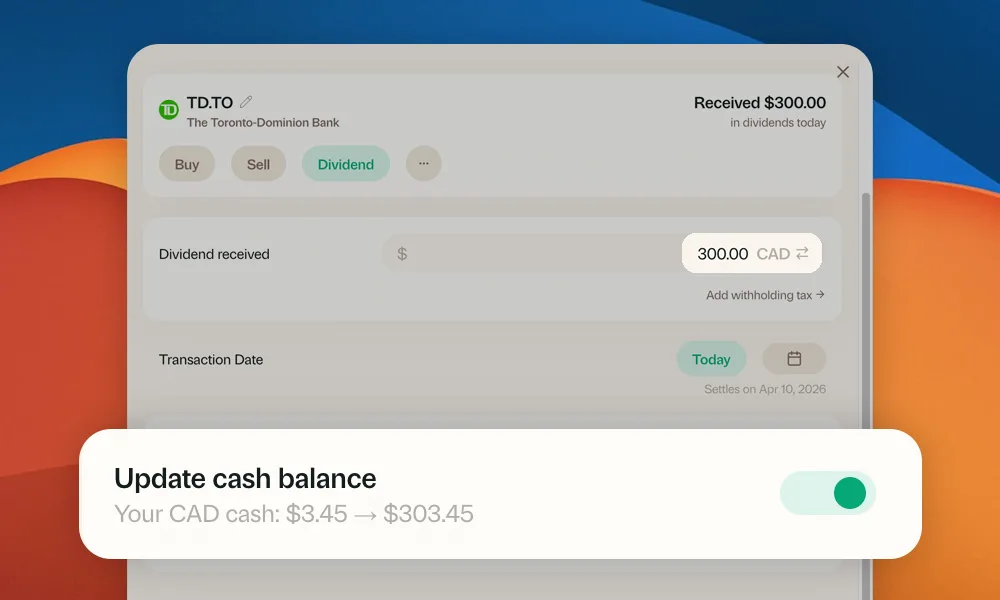
Easier cash tracking and a cleaner menu
Log a trade and update your cash balance in the same step. Plus a redesigned mobile menu with clearer grouping.
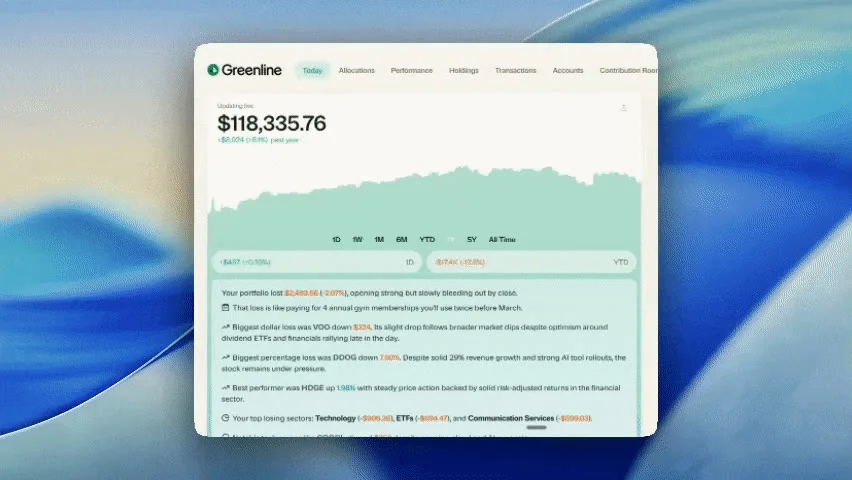
Dark Mode
More comfortable late-night portfolio checking. Every screen, every chart, every number, redesigned for dark.
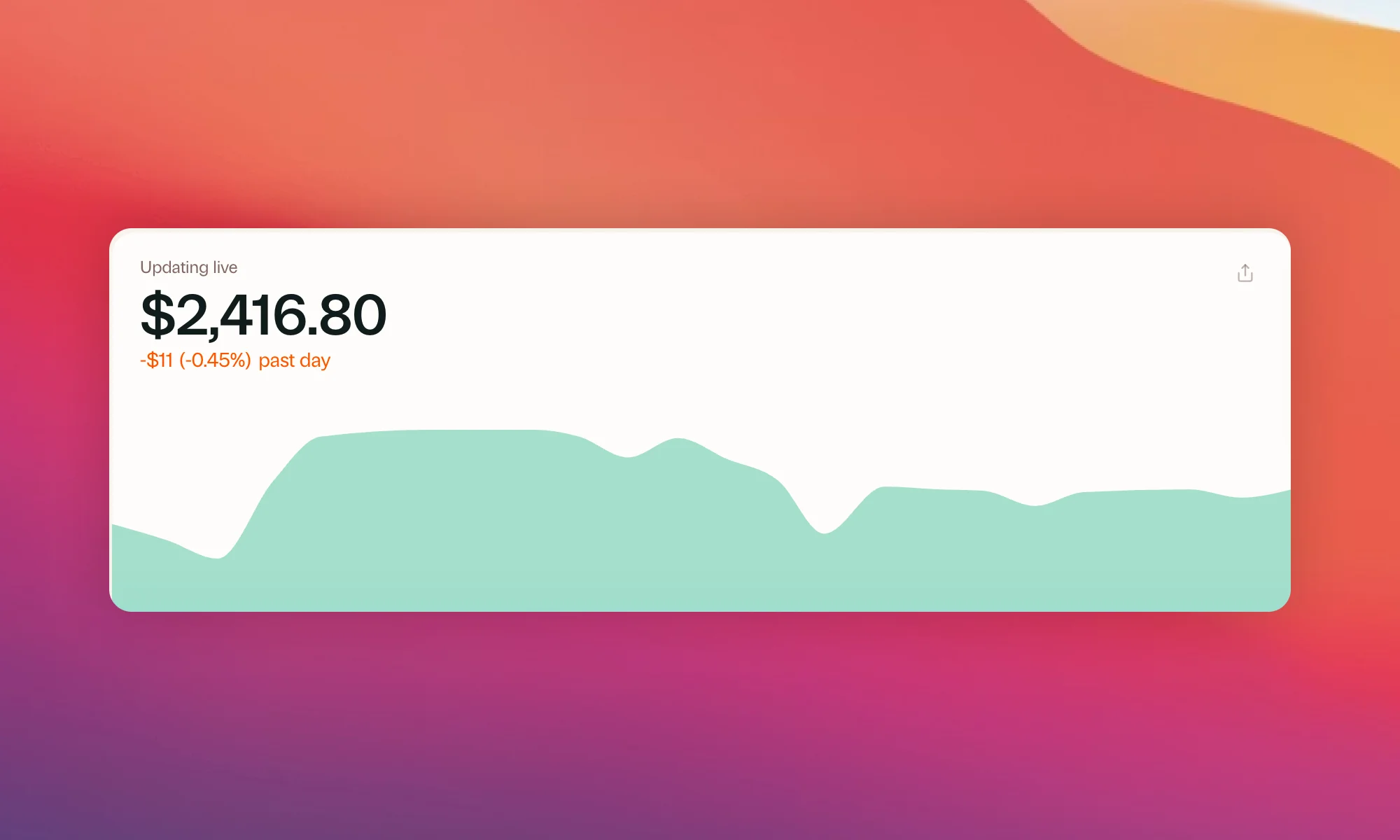
Faster prices, ACB reports, and more
Near real-time stock prices, a new Adjusted Cost Basis report, fund provider logos, and a direct line to us.
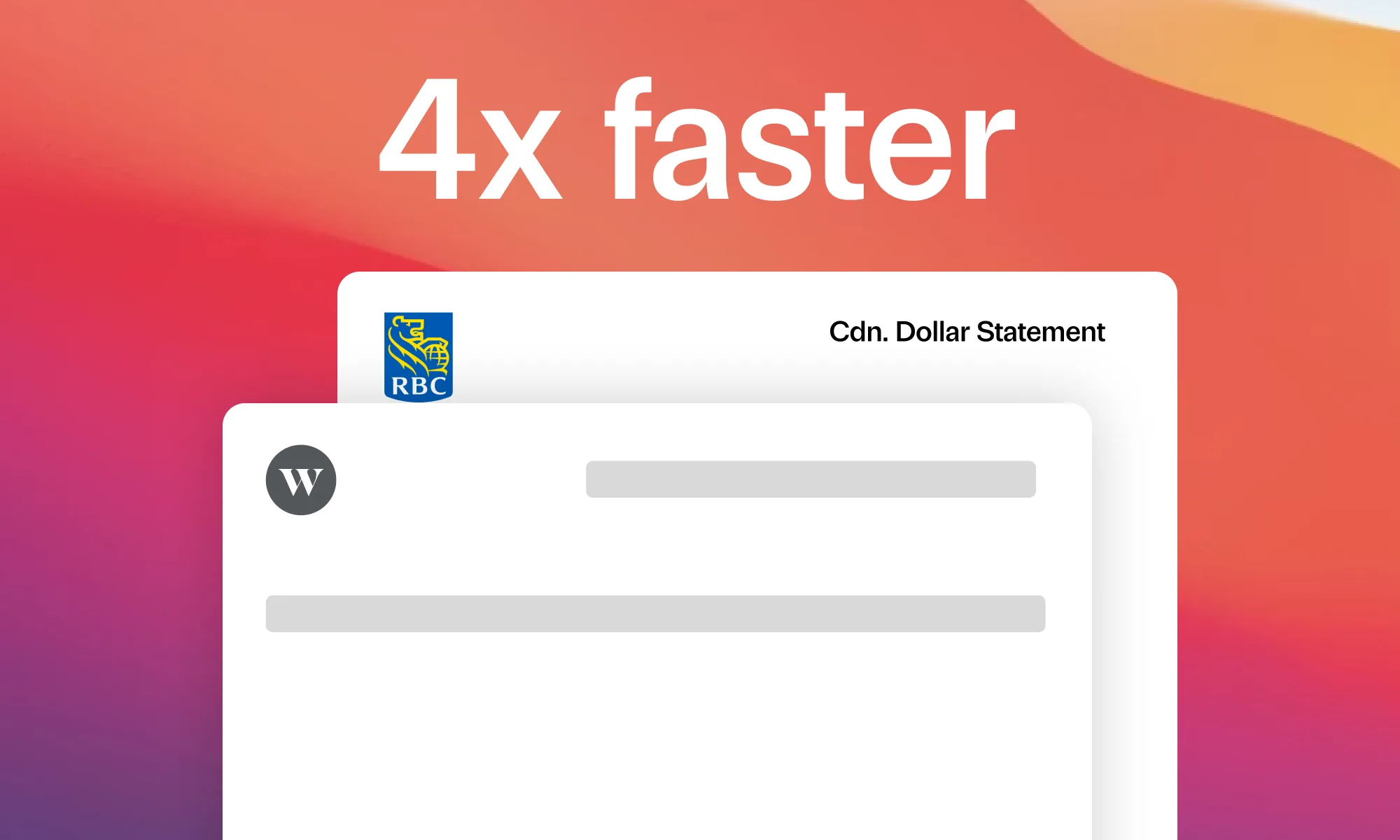
Faster PDF imports and mutual fund upgrades
Statements that import 4x faster, plus the mutual fund upgrades you asked for.
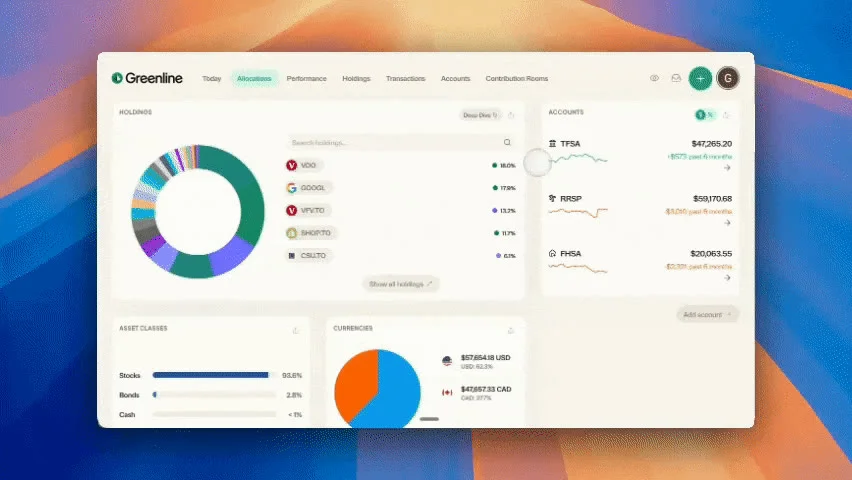
Share your charts
Save or copy your favourite Greenline charts as a clean, high-res PNG. Drop them into a group chat, a Reddit post, anywhere.
Greenline now supports CIBC Investor's Edge
Upload your CIBC Investor's Edge statement and your holdings and cost basis get pulled in automatically.
Greenline now supports Interactive Brokers
Upload your Interactive Brokers statement and your holdings and cost basis get pulled in automatically.
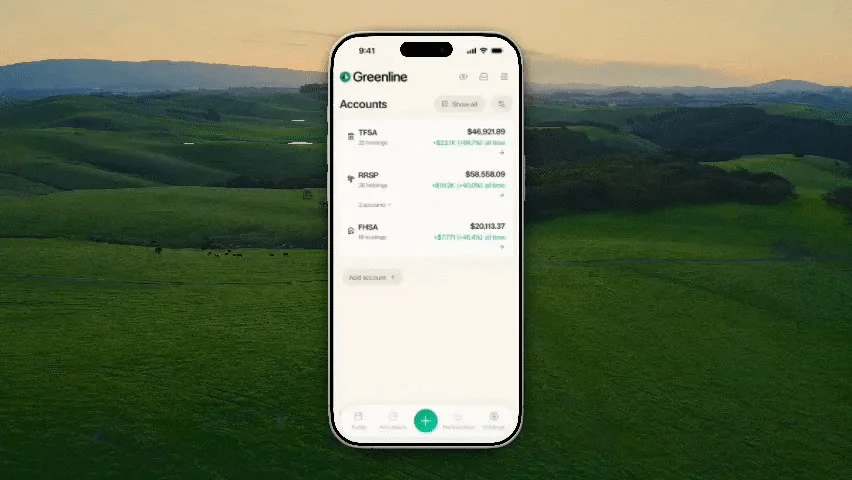
A better Accounts view
Because you told us to fix it. Account cards that actually tell you something, consolidated totals across institutions, and cards you can pick yourself.
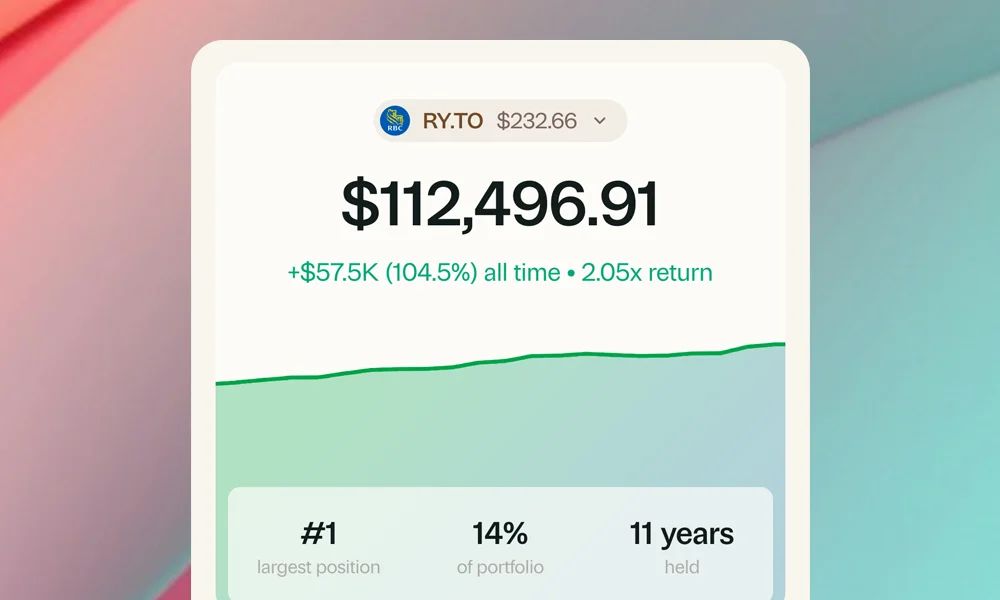
Holding Views
The full story of every stock you own, across time and accounts. Total position, realized gains, dividends, and more.
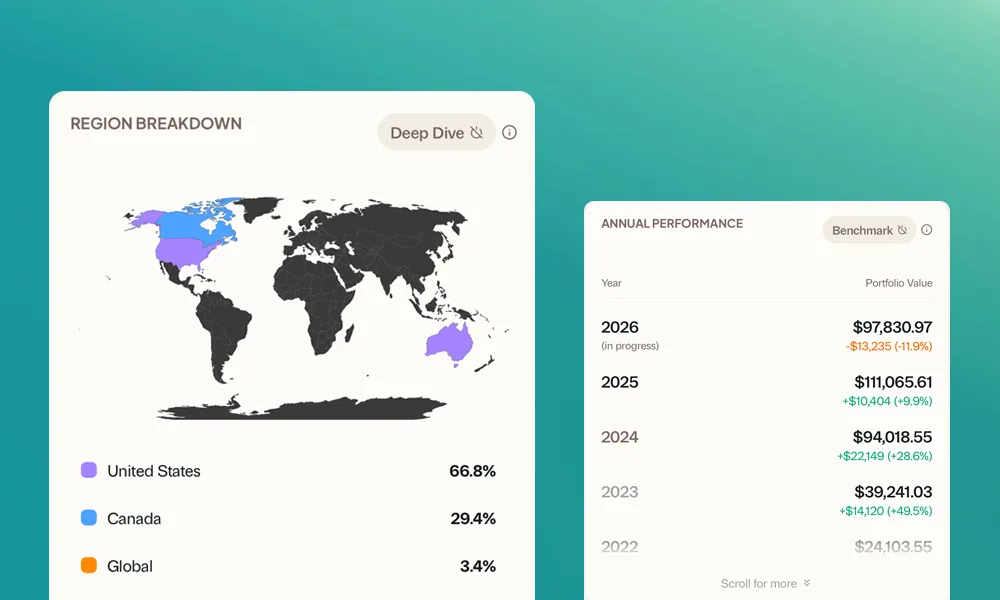
A brand new look
A quieter, more focused Greenline. Cleaner layout, clearer typography, and a structure built around the questions you are already asking.
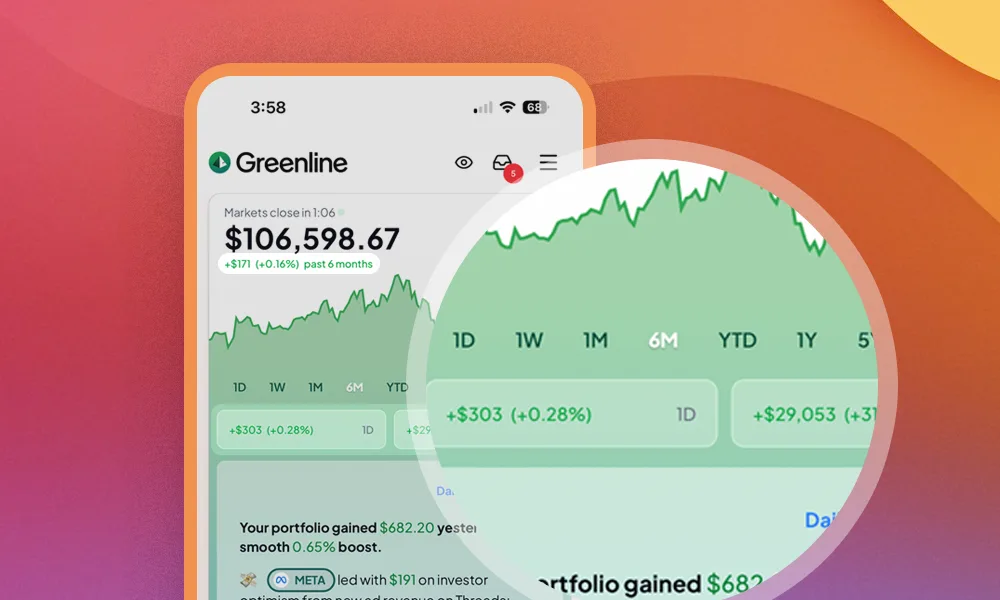
Three timeframes, side by side
No more toggling. See up to three time periods at once in one view, so a rough day never erases a strong year.
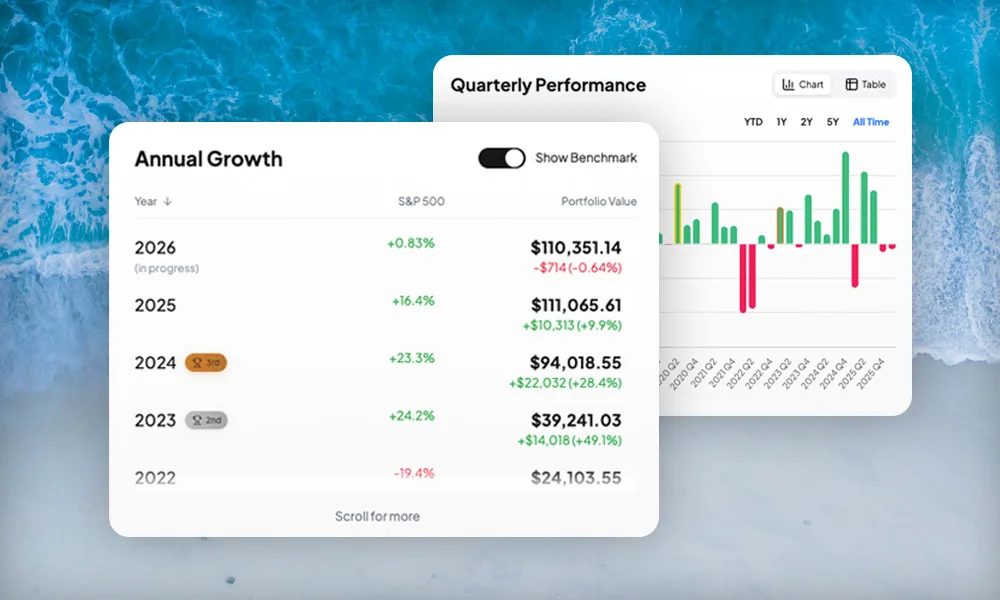
New tabs, clearer insights
A redesigned layout built around how you actually check in. A new Today tab for daily check-ins, deeper tabs for when you want more.
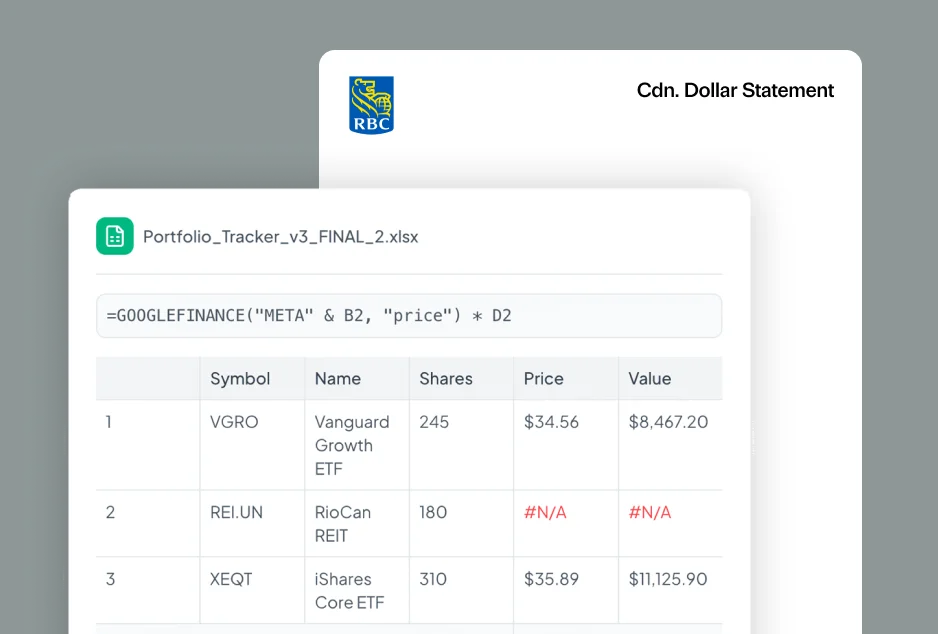
Import your holdings by screenshot
A new way to import or update your portfolio. Alongside direct entry, CSVs, and PDF statements, you can now upload a screenshot.
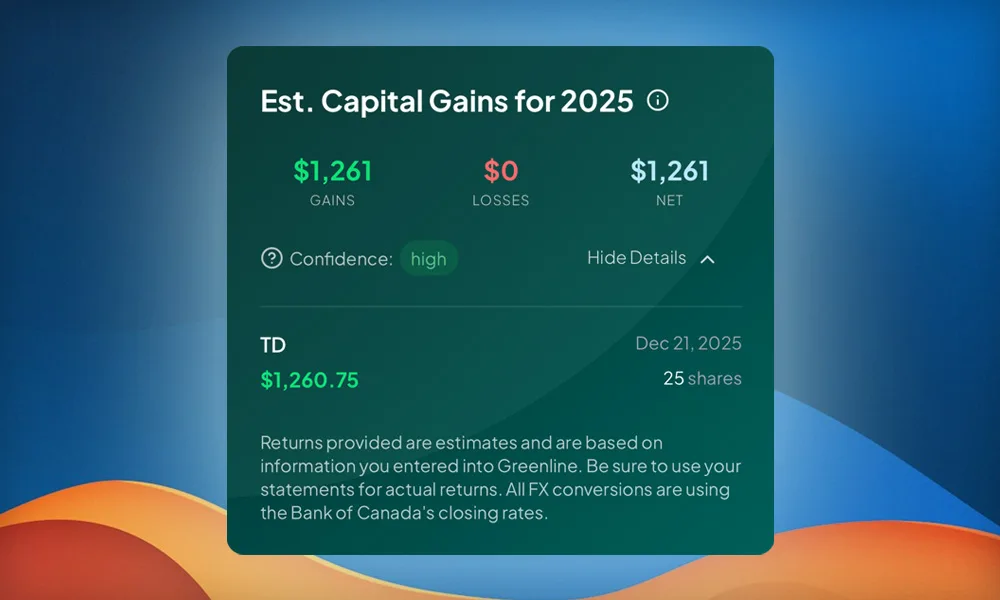
Preview your capital gains anytime
A new Estimated Capital Gains chart so you can keep an eye on gains and losses throughout the year, not just at tax time.
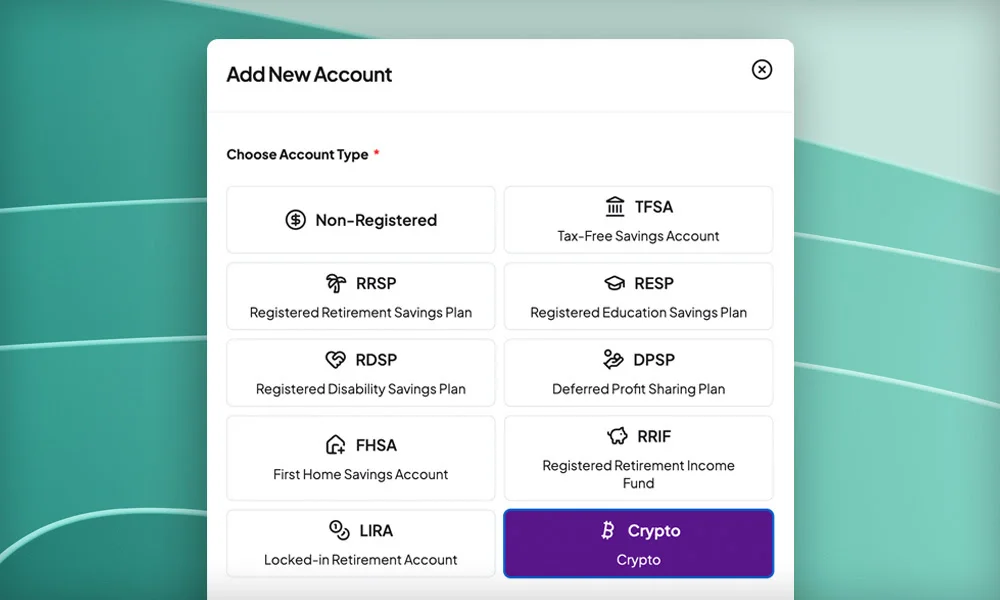
Crypto tracking
Couldn't stop at mutual funds. Add Bitcoin, Ethereum, and other crypto holdings so you can see your whole financial picture in one place.
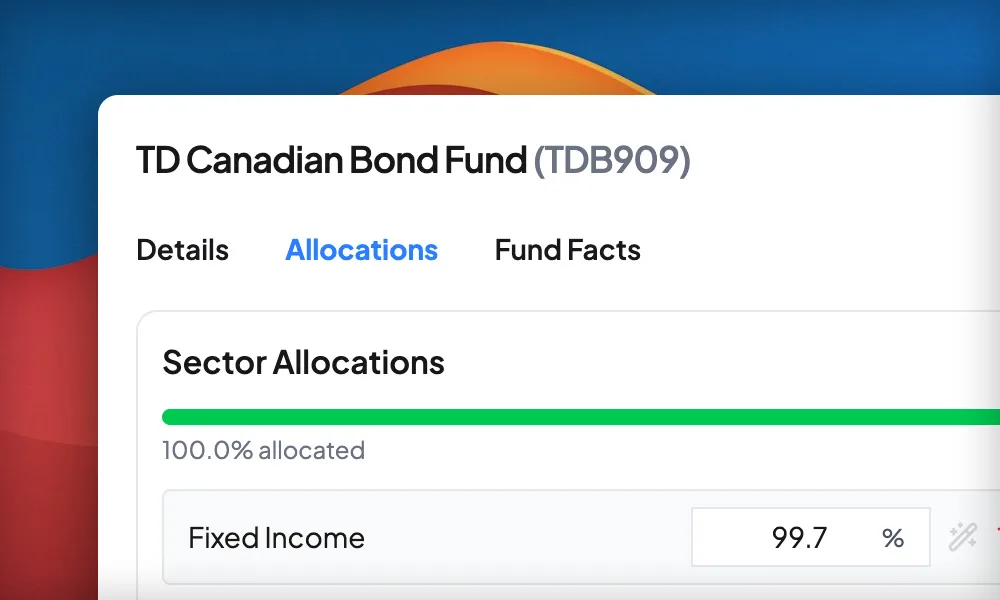
Mutual funds are here
One of the most requested features since we launched our beta. Greenline now supports mutual funds, alongside your ETFs, stocks, and group RSP.
Compare against the S&P 500, TSX, and more
See how your portfolio, or any individual account, stacks up against popular benchmarks like the S&P 500, NASDAQ, XEQT, TSX Composite, and the Total World Index.
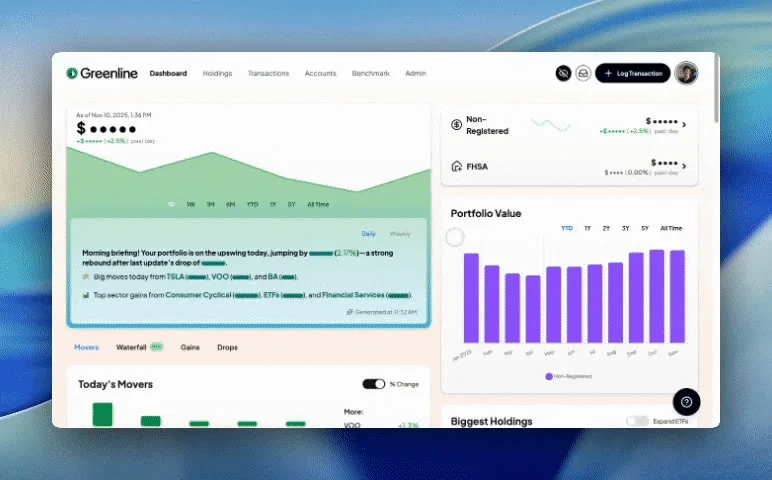
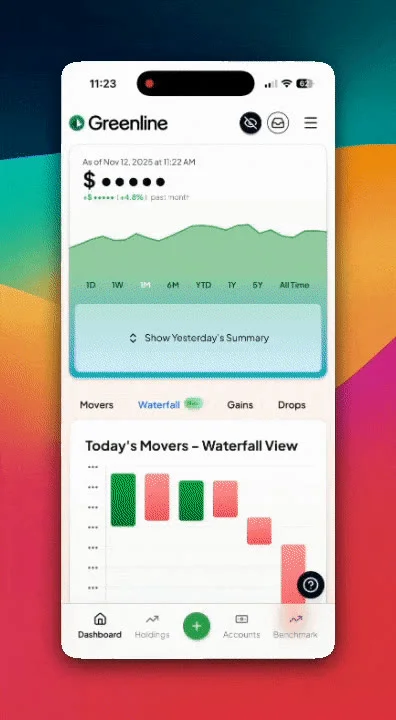
Waterfall charts and a Product Tour
See exactly what is driving your returns up or down with a new waterfall view. Plus a built-in Product Tour for new users.
Greenline now supports RBC Direct Investing
Upload your RBC Direct Investing statement and your holdings and cost basis get pulled in automatically.
Standardized charts and faster logging
Consistent colours across every chart, instant toggling, and auto-suggested stocks when you log a transaction.
Greenline now supports TD Direct Investing
Upload your TD Direct Investing statement and your holdings and cost basis get pulled in automatically.
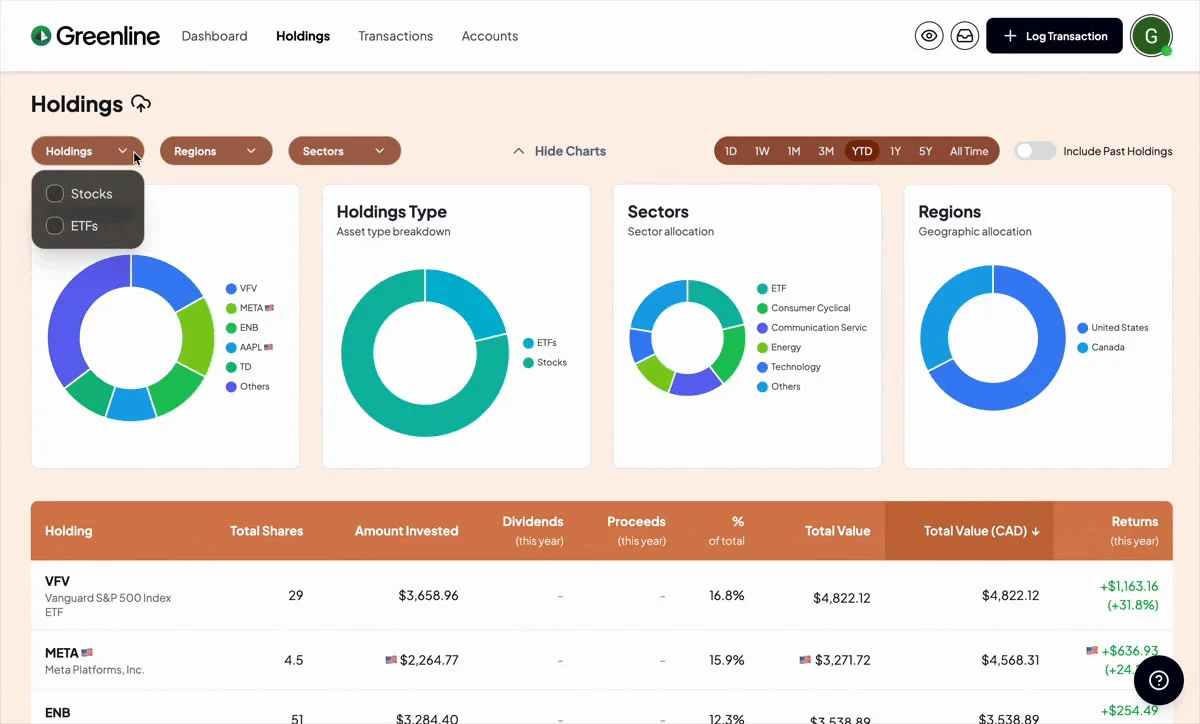
A more powerful Holdings tab
Filter and sort your holdings with more flexibility than ever. By sector, region, ETFs vs. stocks, and more.
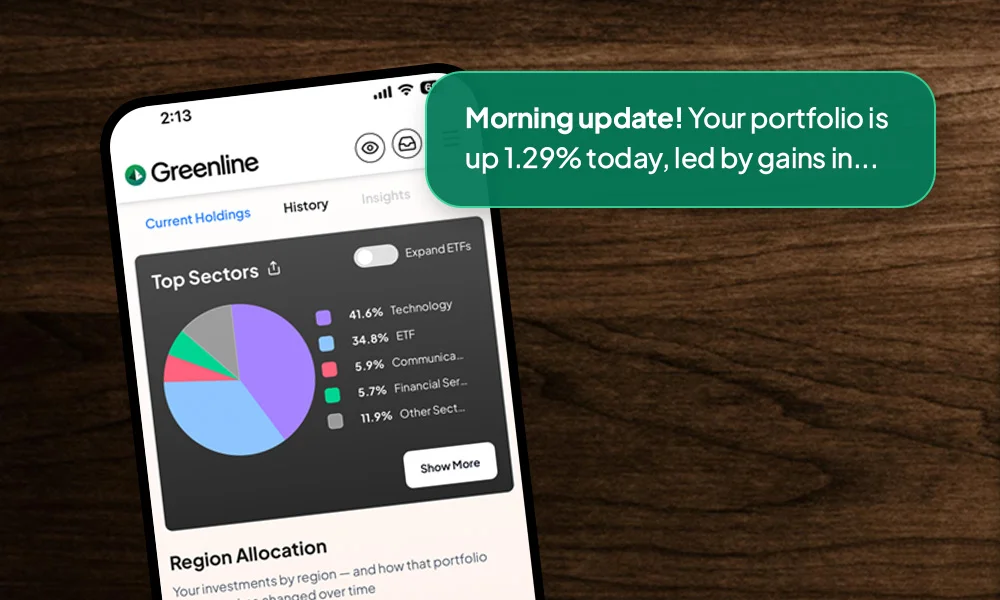
Push notifications are here
By popular request, Greenline now supports push notifications so you get your Smart Updates and Daily Summary the moment they are ready.
Greenline now supports BMO InvestorLine
Upload your BMO InvestorLine statement and your holdings and cost basis get pulled in automatically.
Week and Month in Review, plus Your Trends
Quick snapshots of how things are going this week or month, and a new view showing which holdings are moving your portfolio most.
Greenline now supports Questrade
Upload your Questrade statement and your holdings, cost basis, and account types flow in automatically.
Greenline now supports Wealthsimple
Upload your Wealthsimple holdings report and your positions, cost basis, and accounts flow in automatically.
41 updates and counting.

Your money's already working. Now understand it.
We're not going to promise you'll save a specific amount. Your portfolio is yours. But we'll show you exactly what you're paying and where your money is going. The numbers tend to surprise people.
Get free accessFree during Beta. Early Members get the best rates when we launch.
Also on your phone