Tracking Mutual Funds
At this time, Greenline supports mutual funds through manual tracking. You add each fund yourself and set the balance, and it holds there until you update it. Stocks and ETFs update on their own.
Steps
- Go to Profile, then Manage Assets.
- Create your fund. Give it a name, and add the fund code if you have one.
- Upload the fund’s Fund Facts document. This is the short summary your fund provider is required to give you, and it’s usually available from your provider’s website or your online account. Greenline reads the holdings, sectors, regions, and MER out of it.
- Log the units you hold.
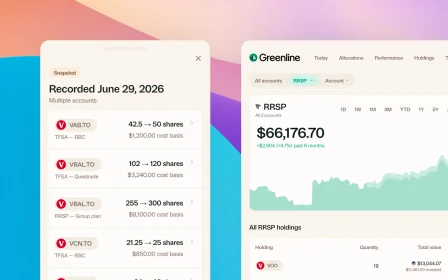
- When your statement arrives, update the balance.
How often to update
Step five is the only recurring one. Most people update their fund values monthly or quarterly, whenever a statement turns up. There’s no need to keep on top of it day to day, and nothing breaks if you leave it a while. The balance simply holds at the last figure you set.
Why upload the Fund Facts document?
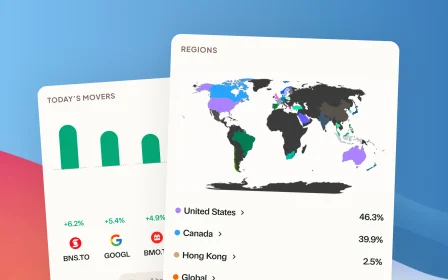
Without it, your fund is one number. With it, Greenline can see what the fund actually owns, so it counts toward your real allocation and your total fee picture alongside everything else in your portfolio.
If three of your funds all hold the same handful of Canadian banks, that’s the kind of thing you’d never spot from account balances alone.
Why it works this way
A lot of people asked to track their funds in Greenline. Holding it back until we could do it automatically would have meant leaving that part of their money out of the picture entirely, so we released it with these limits rather than make anyone wait. We’re improving the experience as fast as we can.
Still need help? Reach out at support@usegreenline.com.
Still having trouble?
Reach out and we'll help you get set up. We usually reply within a day.
Email support@usegreenline.com